Free tool

YouTube Thumbnail Downloader

Paste any YouTube URL and save the thumbnail in every available resolution. No signup, no watermark.

When to download

Save thumbnails to learn from, not to copy.

Creators usually download competitor thumbnails for one of three reasons: building a mood board for a new video, studying why a viral upload's packaging worked, or capturing references before a thumbnail gets swapped out. All three are research workflows, not asset-grabbing. The downloader pulls every resolution YouTube exposes so you can see the same thumbnail at the size viewers actually scroll past — usually around 320×180 in the home feed.

Where it fits

The first step in a thumbnail teardown.

Downloading is the entry point. Once a reference thumbnail is saved, the next move is figuring out what makes it click — composition, focal point, text size, contrast, expression. SRGE Studio takes a YouTube URL directly and runs that breakdown for you, so a download here often turns into a paste into Analyze a minute later.

FAQ

Common questions

What resolutions can I download?

YouTube exposes four thumbnail sizes for most videos: max (1280×720), sd (640×480), hq (480×360), and mq (320×180). The tool grabs whichever versions exist for the video you paste.

Why is the max-resolution thumbnail sometimes missing?

YouTube doesn't generate the maxresdefault image for every upload — especially older videos, Shorts, or videos with low view counts. The tool falls back to sddefault automatically when that happens.

Is downloading YouTube thumbnails allowed?

Thumbnails are public images served from i.ytimg.com, so saving them for personal research or competitive analysis is fine. Republishing them as your own content is not — treat them as references, not assets.

Can I do bulk competitive research with this?

This free tool handles one video at a time. For multi-thumbnail research and side-by-side scoring, SRGE Studio's Analyze workflow accepts any YouTube URL and surfaces what's actually working visually.

When downloading isn't enough

Don't just download. Out-create.

SRGE turns a prompt + your visual identity into production-ready thumbnails in seconds — then scores every one so you know which to ship.

01
Inside SRGE

Recreate any winner in your own style

Paste the same URL you just used — SRGE pulls the reference, swaps in your identity, and rebuilds the thumbnail your way.

Paste a YouTube URL to load a reference
LinkUpload
https://www.youtube.com/watch?v=...

Describe the changes you want…
02
Inside SRGE

Prompt-to-thumbnail in seconds

Describe the story and SRGE generates production-ready thumbnail variants — no design tools, no stock searching.

Visual Identity
Style Profile

Prompt + style + identity

20 Credits
03
Inside SRGE

Visual identities that stay consistent

Upload 3 face references once and every future thumbnail keeps your channel looking like itself across uploads.

New Visual Identity

Name your identity…
Front
3/4 Turn
Profile
04
Inside SRGE

Score + one-click fix

See exactly what holds a thumbnail back across Virality, Clarity, Idea, Curiosity, and Emotion — then fix it in one tap.

Before
After
54

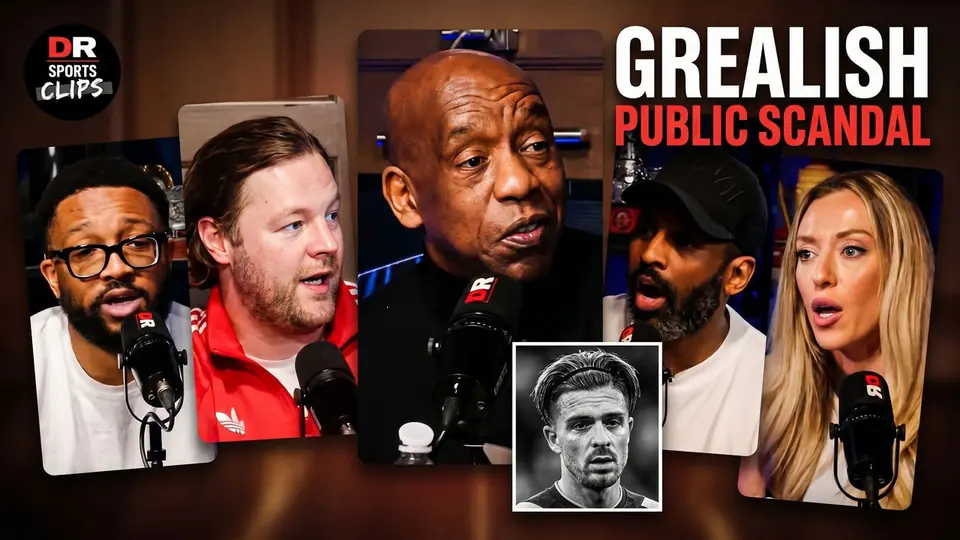
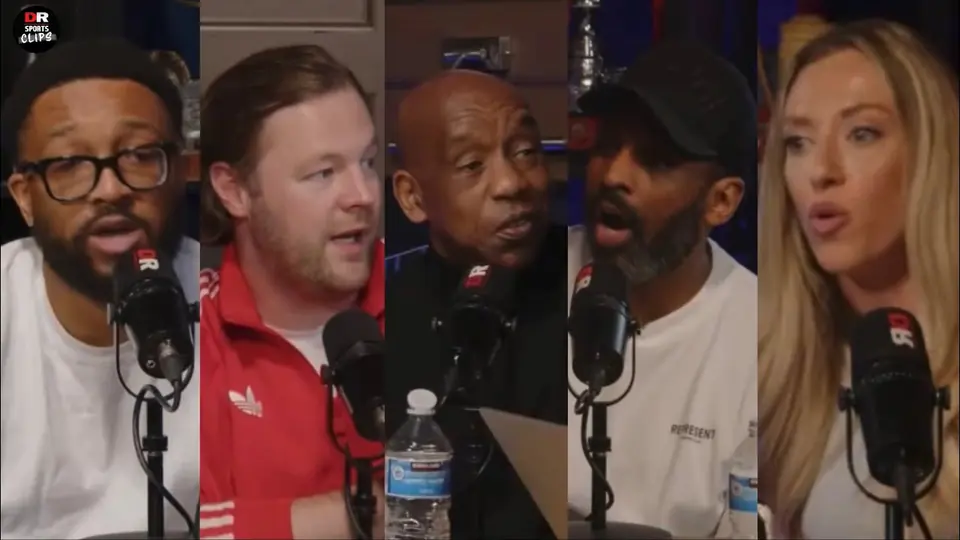
The Truth About The Grealish Public Scandal

Pitch Pod · 1.4M views

Improve thumbnail