Free tool

YouTube Tag Extractor

Pull the title, description, channel id, and tags out of any YouTube video. Paste a URL, get every field copy-ready.

What tags reveal

The unedited version of how a video is being positioned.

Titles get rewritten to hook clicks. Descriptions get fluffed for keyword density. Tags are usually the cleanest signal of how a creator actually wants YouTube to match their video — they're hidden from viewers, so there's no incentive to dress them up. Pulling them on a viral video tells you what topic-space its creator thinks they're competing in.

Where it fits

Tag research feeds thumbnail research.

A thumbnail's job is to deliver the promise that the title and tags set up. If a competitor's tags are full of "$100 vs $10,000" framings, their thumbnail almost certainly leads with a price comparison. Extracting tags is the fastest way to see that pattern before opening Studio to build your own version.

FAQ

Common questions

Are YouTube tags still useful in 2026?

For raw discoverability they matter less than they used to — YouTube's recommendation system now leans heavily on the title, description, and viewer behaviour. For research and ideation, though, they're gold: tags reveal exactly how a creator positions their video for the algorithm.

Why would I extract another channel’s tags?

Competitive research. Tags + title + description together show how someone is framing their video for both viewers and YouTube's matching system. That framing is often what your thumbnail needs to deliver on.

Will this work on age-restricted or unlisted videos?

Public videos work, including age-restricted ones. Unlisted and private videos are blocked by YouTube at the metadata level — the tool can only see what YouTube exposes to logged-out viewers.

Is this scraping YouTube?

It uses YouTube's public oEmbed endpoint and video page metadata — the same surface area that powers embeds and link previews everywhere on the web. No login, no API key, no terms violation.

When metadata isn't enough

Don't just download. Out-create.

SRGE turns a prompt + your visual identity into production-ready thumbnails in seconds — then scores every one so you know which to ship.

01
Inside SRGE

Recreate any winner in your own style

Paste the same URL you just used — SRGE pulls the reference, swaps in your identity, and rebuilds the thumbnail your way.

Paste a YouTube URL to load a reference
LinkUpload
https://www.youtube.com/watch?v=...

Describe the changes you want…
02
Inside SRGE

Prompt-to-thumbnail in seconds

Describe the story and SRGE generates production-ready thumbnail variants — no design tools, no stock searching.

Visual Identity
Style Profile

Prompt + style + identity

20 Credits
03
Inside SRGE

Visual identities that stay consistent

Upload 3 face references once and every future thumbnail keeps your channel looking like itself across uploads.

New Visual Identity

Name your identity…
Front
3/4 Turn
Profile
04
Inside SRGE

Score + one-click fix

See exactly what holds a thumbnail back across Virality, Clarity, Idea, Curiosity, and Emotion — then fix it in one tap.

Before
After
54

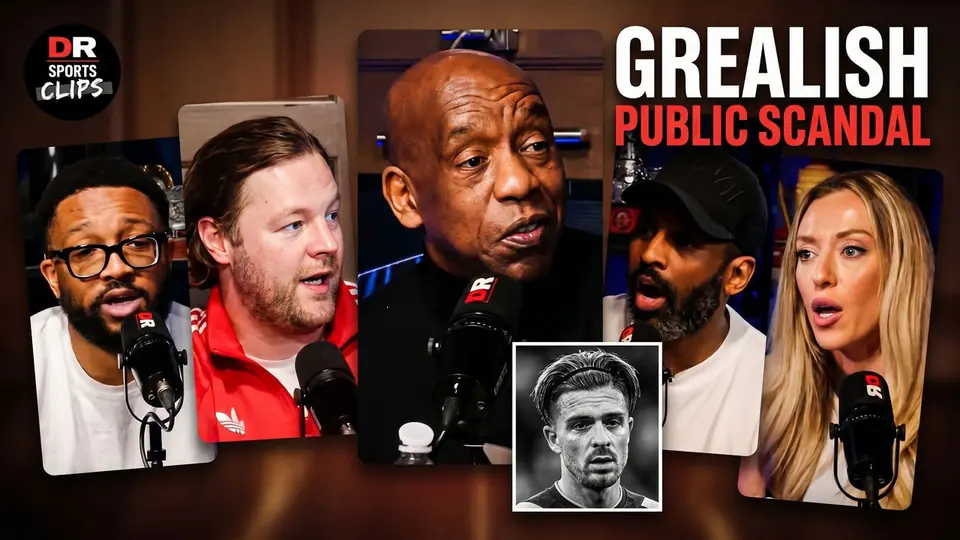
The Truth About The Grealish Public Scandal

Pitch Pod · 1.4M views

Improve thumbnail