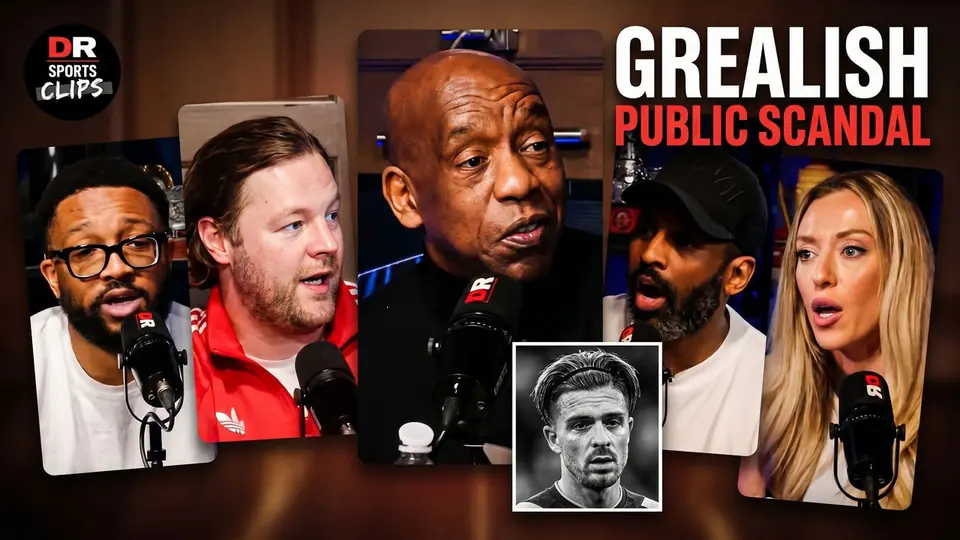
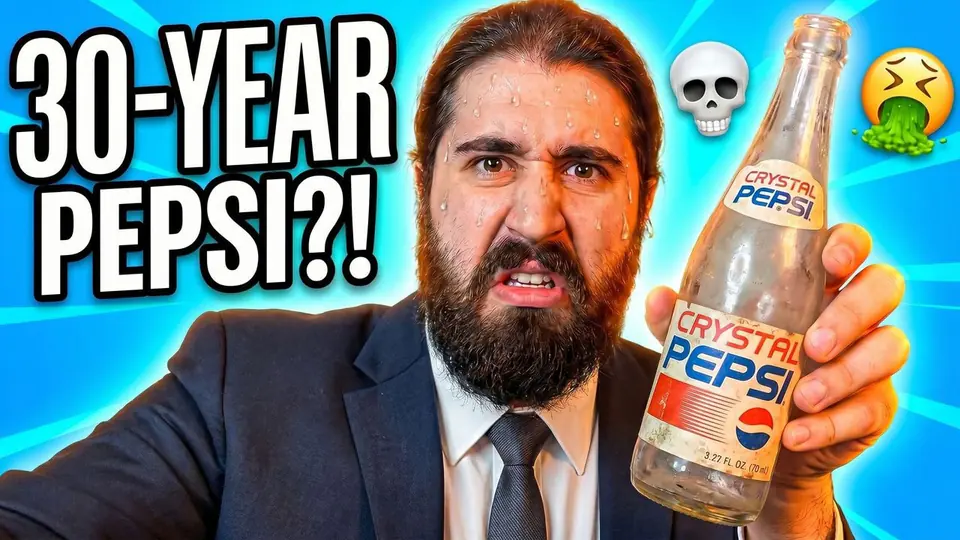
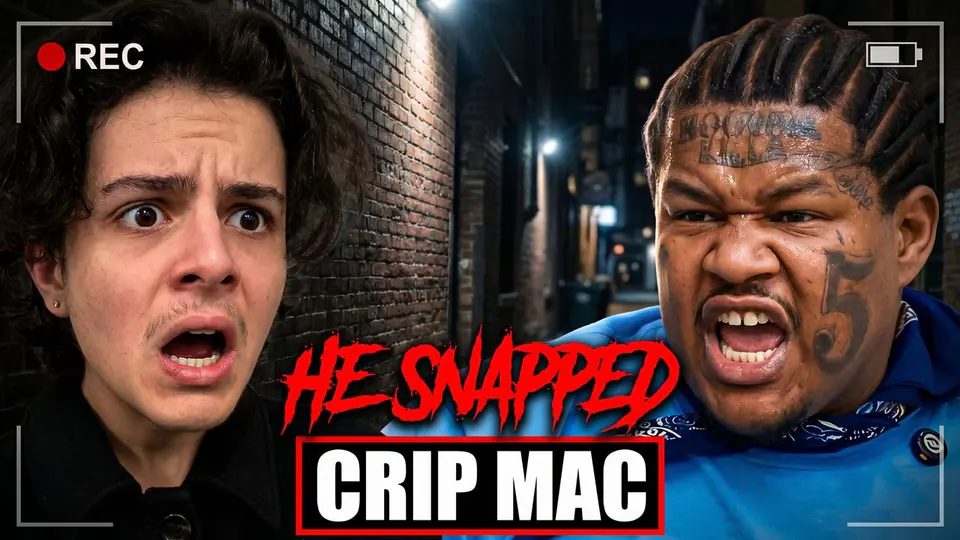
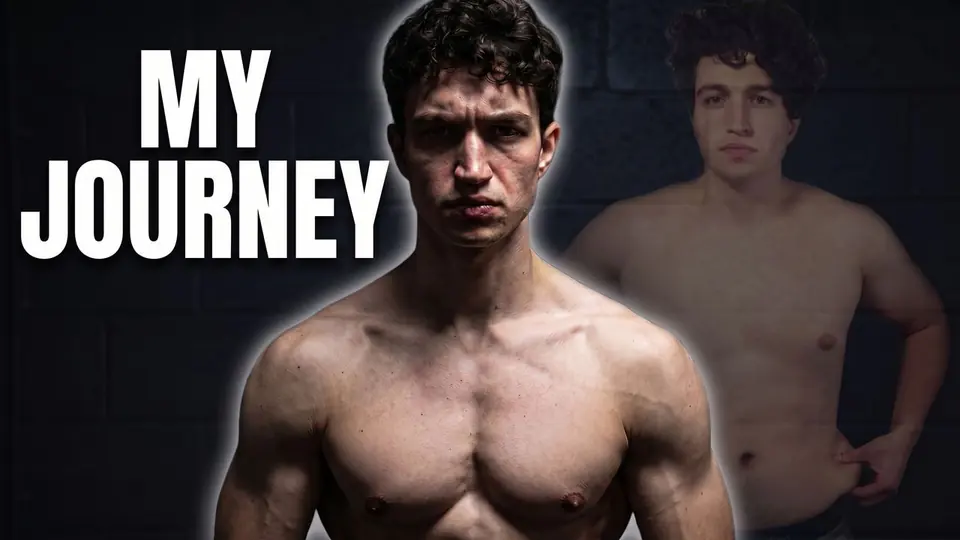
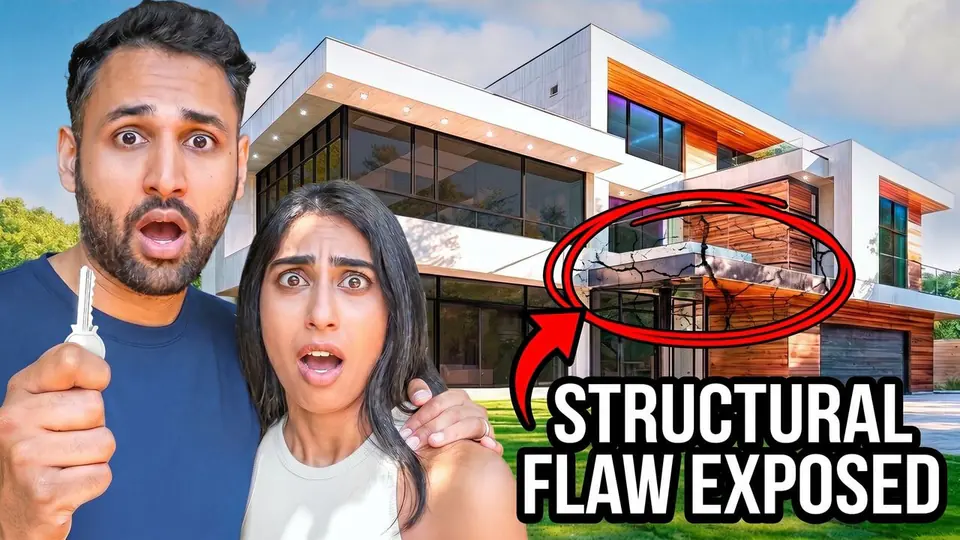
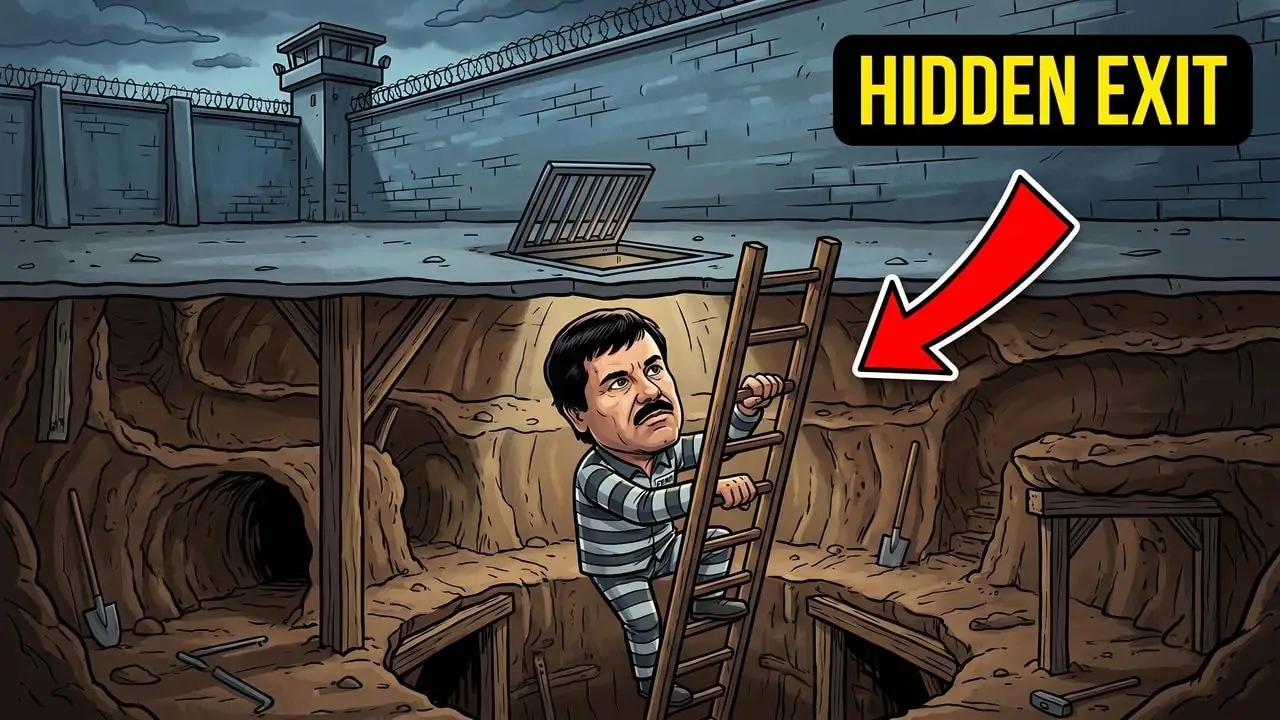
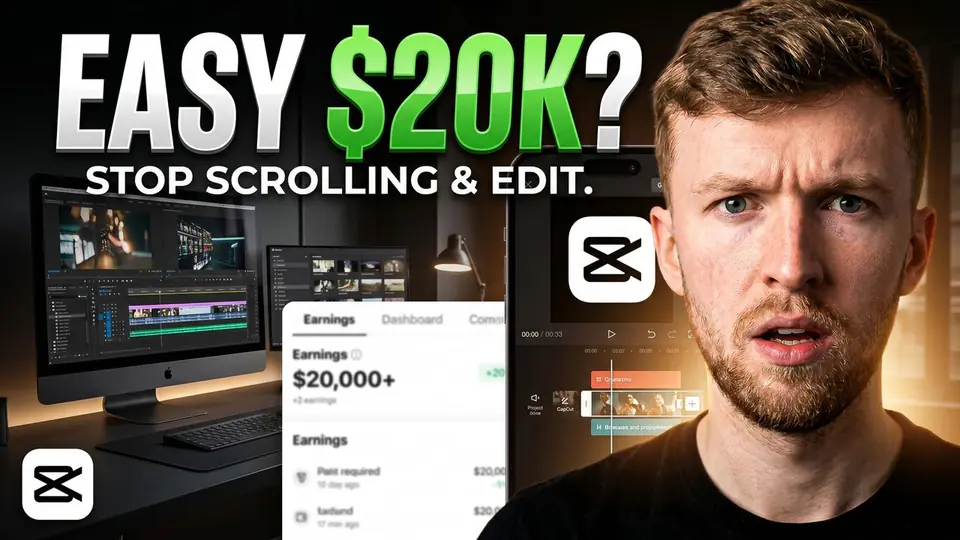
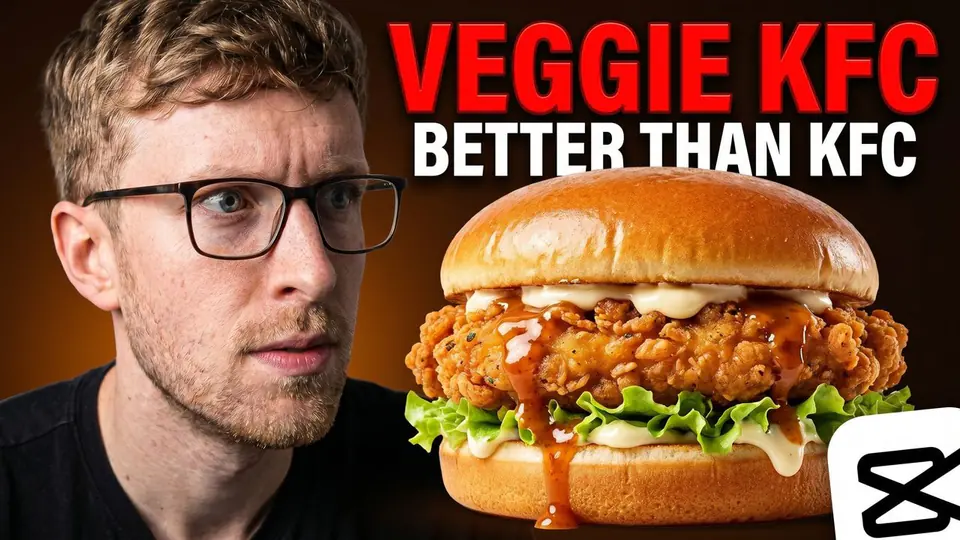
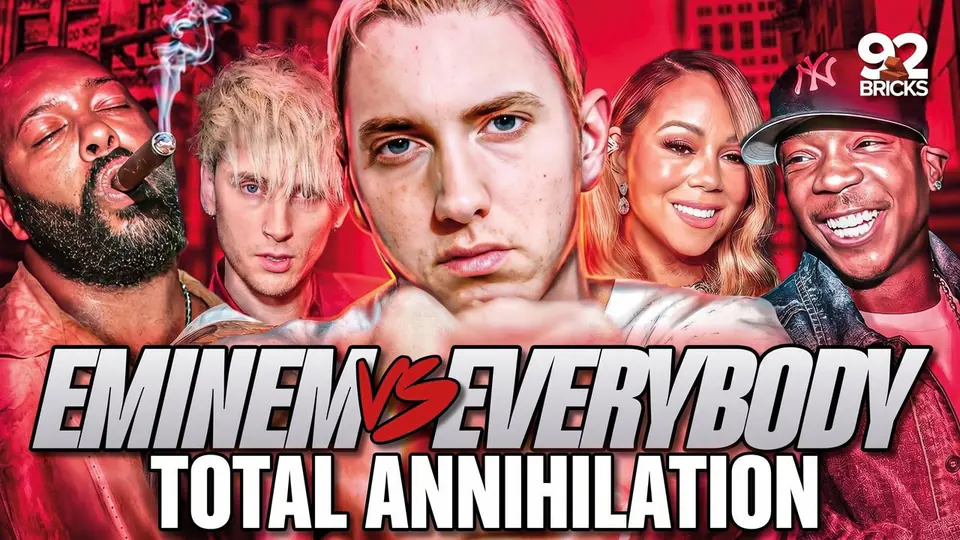
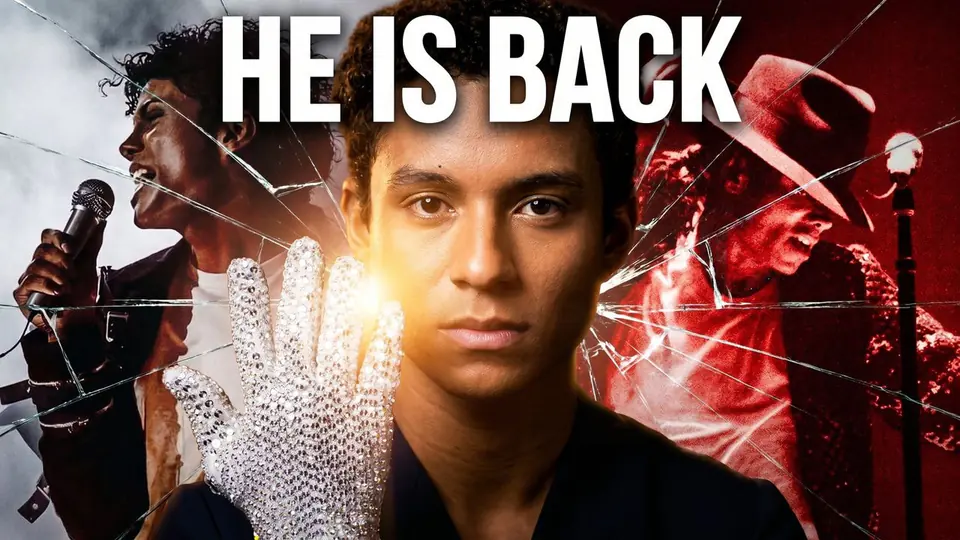
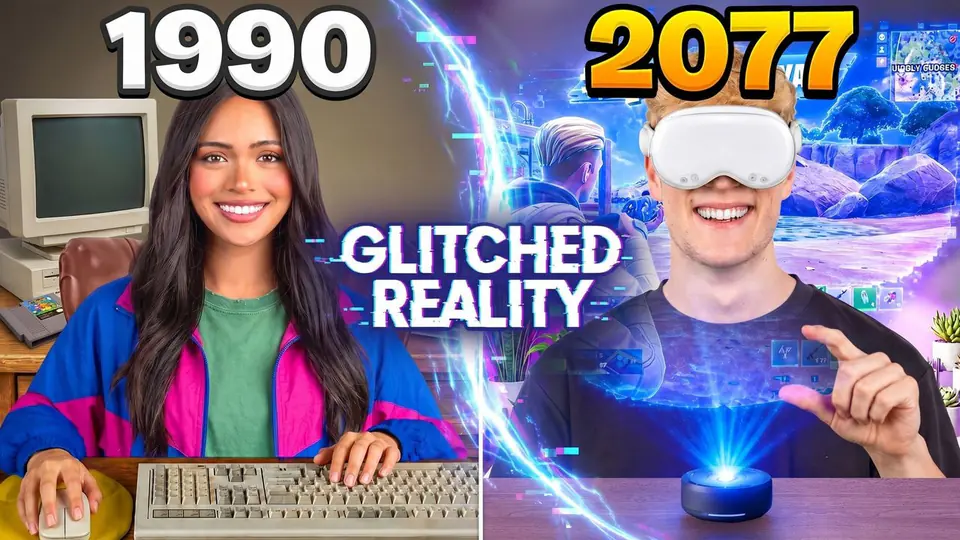
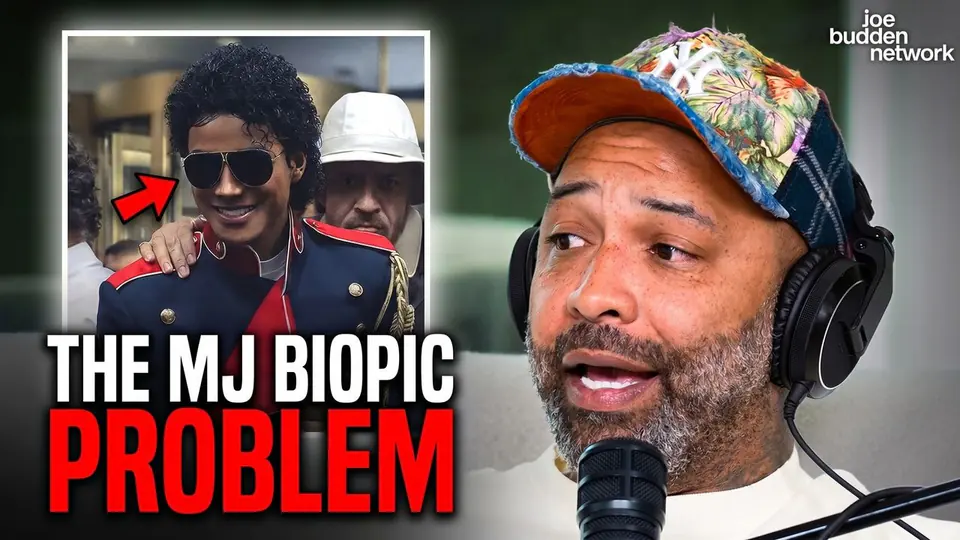
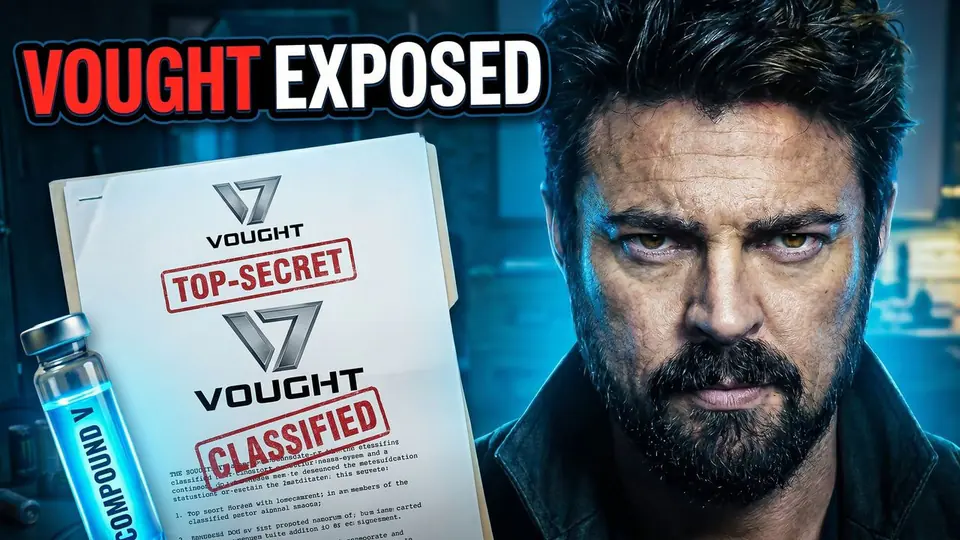
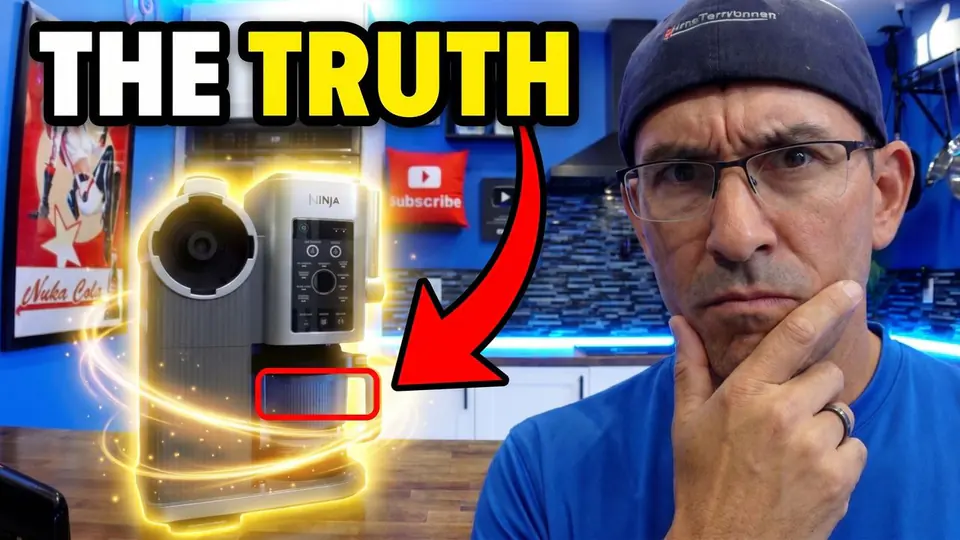
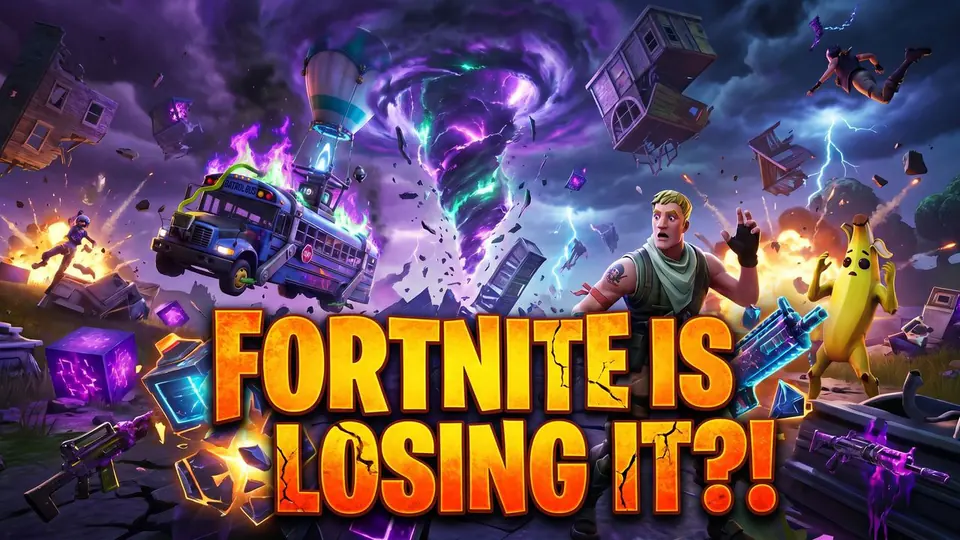
Great videos still disappearwhen the thumbnail feels weak.
The problem is usually not effort. It is unclear packaging, inconsistent visuals, and too much guesswork before something finally lands.
Weak thumbnail, fewer views.
If the thumbnail does not stop the scroll, the quality of the video barely matters.
You can't fix what you can't see.
Is it the hook, the face, the contrast, or the layout? Every tweak is a guess.
One good thumbnail does not become a system.
Something finally works, but the next upload starts from zero. Same channel, new guesswork, different look.
How SRGE helps
Four simple ways to make stronger thumbnails.
You do not need to learn a complicated design process. Start from a prompt, recreate a proven reference, pin the exact changes you want, or fix a weak thumbnail.
01Workflow
Start from a prompt
Describe the video, the feeling, and the hook. SRGE turns that into a thumbnail direction creators can actually use.
02Workflow
Recreate what already works
Paste a YouTube link or upload a reference image when you want to build from a proven structure instead of a blank page.
03Workflow
Pin the changes you want
Open any thumbnail in the editor, drop a pin where the change needs to happen, and tell SRGE in plain words. No re-prompting from scratch.
04Workflow
Improve weak thumbnails fast
Run analysis, see what feels weak, and move into a stronger direction without guessing what to change first.
Edit, mashup, and CTR Pack are also inside Studio when you need them.
Stay recognizable
Keep the channel looking like you.
The best thumbnails do not only win clicks once. They build recognition over time. SRGE helps creators keep the face and the style consistent.
Keep your face consistent
Upload a Visual Identity once, then reuse it across future thumbnails so your channel still looks like you.
Face consistency across projects
Cleaner reuse of creator references
First one free · then 40 credits with a subscription
Save the look that already works
Build Style Profiles from reference thumbnails so your next ideas feel on-brand instead of starting visually from zero.
Saved contrast, composition, and text behavior
Applies to prompt, recreate, and mashup flows
First one free · then 40 credits with a subscription
Recover what you've already shipped
Score every video, fix it, and push it back to YouTube.
Connect your channel and let SRGE watch your videos. It scores each upload, rewrites the parts that are bleeding views, generates chapters from what is actually said in the video, and pushes the whole package back to YouTube in one click.
01Optimize
See which uploads are leaking views.
Connect your YouTube channel and SRGE scores every upload from 0 to 100, flagging the ones with click-through well below your channel median. No more guessing which old videos to revisit.
02Optimize
Deep analysis grounded in your actual video.
SRGE watches the video — not just the title — to score every element, rewrite the title, description, and tags, and generate chapter markers from what's actually said. Every suggestion is backed by the transcript.
03Optimize
Regenerate the thumbnail. Push everything in one click.
Pick from fresh thumbnail variants and apply title, description, tags, chapters, and the new thumbnail straight to YouTube. Every change is logged — roll back any field anytime.
Optimize is available on Pro and Ultimate plans. Analyze costs 5 credits per video; deep analysis costs 30 credits.
Pricing
Simple plans and clear credit costs.
Start with 50 free credits, one free Visual Identity, and one free Style Profile. When you are ready for more, choose a monthly plan or save with annual billing.
Free Starter Pass
Five thumbnails plus two profile passes—free
Get 50 credits for five standard thumbnails, one free Visual Identity, and one free Style Profile. No card or automatic charge.
Quick answers about identity, recreate, analysis, and credits.
Can I try SRGE without paying?
Yes. Every new account gets 50 free credits—enough for five standard thumbnail generations—plus one free Visual Identity and one free Style Profile. No card is required. Choose a subscription only when you want to create more.
Is SRGE just another AI image generator?
No. It is built around thumbnail creation for creators, including prompt generation, recreate, analysis, identity reuse, style profiles, and improvement workflows.
Can I use my own face in future thumbnails?
Yes. Visual Identity lets you save creator references once and reuse them later so the thumbnails stay recognizable.
Can I start from an existing thumbnail instead of a prompt?
Yes. The recreate flow lets you begin from a YouTube URL or uploaded image so you can build from a proven structure.
What does the analysis help with?
It helps you spot weak hierarchy, clarity, curiosity, and other click-related issues so you know what to improve before generating again.
How do credits work?
New accounts begin with 50 free starter credits. Standard thumbnails cost 10 credits each, while your first Visual Identity and first Style Profile use separate free passes. Each workflow shows its cost before you run it.
Start making better thumbnails
Turn the next uploadinto a cleaner click.
Your first five thumbnails, first Visual Identity, and first Style Profile are free. No card required.