Free tool

YouTube Search Suggest

Type a keyword, see what YouTube actually autocompletes for — fanned out across a–h prefixes so you catch the full long-tail.

What autocomplete tells you

The most honest source of YouTube search intent.

YouTube's autocomplete reflects what real users actually type — not what an SEO tool guessed they might type. If the tool keeps suggesting "how to fix X" after you type your topic, that's a direct signal that the audience is in problem-solving mode. If it suggests "X review" or "X vs Y", they're in comparison mode. The thumbnail you build needs to match whichever mode you choose to serve.

Where it fits

Pre-production research, not optimisation.

This tool belongs at the start of a project, when you're deciding what to actually make a video about. By the time you're rendering a thumbnail, the search intent is already locked in — but knowing the exact phrasing real users search for sharpens both the title and the thumbnail copy. Pair this with SRGE's Ideas workflow to convert a long-tail query into a thumbnail angle.

FAQ

Common questions

How is this different from a keyword tool like vidIQ?

This is literally YouTube’s autocomplete API — what users actually see when they type a query into YouTube search. It doesn’t estimate search volumes (use vidIQ or TubeBuddy for that), but it’s the cleanest unfiltered signal of what real searches look like.

Why does the tool fan out across a–h prefixes?

A single autocomplete request only returns the top 8–10 suggestions for your exact keyword. Appending a–h after your keyword (e.g. "thumbnail design a", "thumbnail design b" …) reveals the long-tail surface that the default request hides.

Are these the same suggestions every viewer sees?

They’re close. YouTube personalises autocomplete a little based on history and locale, but the core suggestions returned by the API are what the broader user base is searching for — much less personalised than the watch-page recommendation system.

How do I turn suggestions into videos that get clicks?

Treat suggestions as the promise — the words real viewers are using to look for content. Your title should echo those words, and your thumbnail should look like the answer. SRGE Studio's Analyzer can rank a draft thumbnail against the search intent it's targeting.

Beyond keyword research

Don't just download. Out-create.

SRGE turns a prompt + your visual identity into production-ready thumbnails in seconds — then scores every one so you know which to ship.

01
Inside SRGE

Recreate any winner in your own style

Paste the same URL you just used — SRGE pulls the reference, swaps in your identity, and rebuilds the thumbnail your way.

Paste a YouTube URL to load a reference
LinkUpload
https://www.youtube.com/watch?v=...

Describe the changes you want…

02
Inside SRGE

Prompt-to-thumbnail in seconds

Describe the story and SRGE generates production-ready thumbnail variants — no design tools, no stock searching.

Visual Identity
Style Profile

Prompt + style + identity

20 Credits
03
Inside SRGE

Visual identities that stay consistent

Upload 3 face references once and every future thumbnail keeps your channel looking like itself across uploads.

New Visual Identity

Name your identity…
Front
3/4 Turn
Profile
04
Inside SRGE

Score + one-click fix

See exactly what holds a thumbnail back across Virality, Clarity, Idea, Curiosity, and Emotion — then fix it in one tap.

Before
After
54

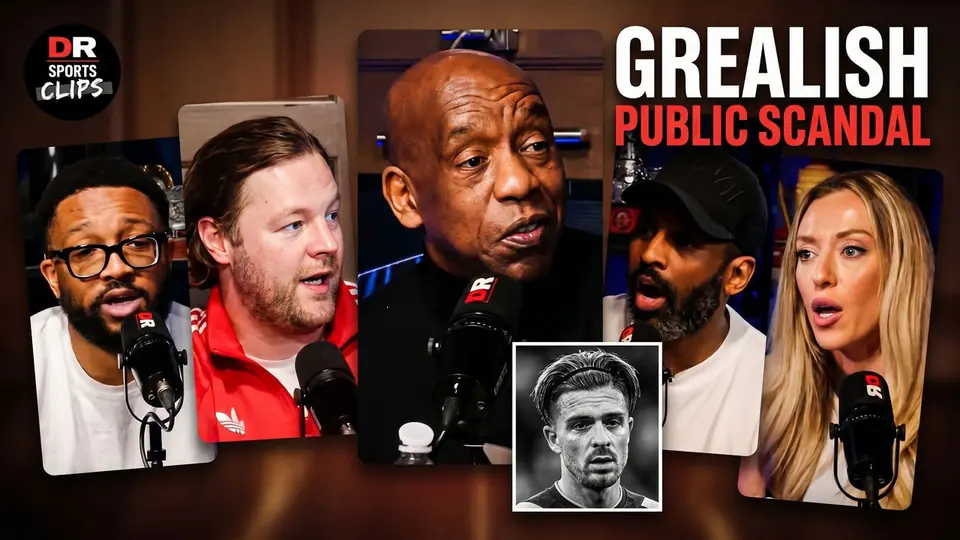
The Truth About The Grealish Public Scandal

Pitch Pod · 1.4M views

Improve thumbnail