Free tool

YouTube QR Code Generator

Turn any YouTube URL into a high-resolution QR code. Tune the size, colours, and error correction, then download as PNG.

When you’d use a video QR code

Anywhere a viewer can’t click a link.

QR codes are the bridge between print and video — they show up on business cards, conference slides, product packaging, restaurant menus, and at the end of in-person talks. Anywhere you can't expect a viewer to type a URL, a QR code that goes straight to a YouTube video closes the gap in one camera tap.

Where it fits

The viewer scans the QR. Then your thumbnail does the rest.

A QR code gets someone to the video. The thumbnail and title decide whether they actually stay to watch it. If you're investing in physical materials that drive viewers to a YouTube link, it's worth making sure the thumbnail at the other end of the scan is doing its job — that's where SRGE Studio comes in.

FAQ

Common questions

What is error correction level and which should I use?

Error correction adds redundancy so the code still scans when partially damaged or distorted. L = 7%, M = 15%, Q = 25%, H = 30%. Use L or M for clean digital use, H if the code will be printed small or might get marked up.

Can I change the QR code colours?

Yes — pick any foreground and background colour. Keep the contrast high (dark on light works best) or scanners will struggle. Inverted codes (light on dark) work but reduce scanner compatibility on older phones.

What size should I download?

For digital use (presentation slides, social posts), 512×512 PNG is plenty. For print at A4 or larger, download at 1024×1024 or higher so the code stays crisp when scaled up.

Does the QR code expire?

No. It encodes the YouTube URL directly, so it works forever — as long as the video stays online. If you need a QR code that points to a redirect you can change later, use a link shortener as the QR target instead of the YouTube URL.

Beyond just a QR

Don't just download. Out-create.

SRGE turns a prompt + your visual identity into production-ready thumbnails in seconds — then scores every one so you know which to ship.

01
Inside SRGE

Recreate any winner in your own style

Paste the same URL you just used — SRGE pulls the reference, swaps in your identity, and rebuilds the thumbnail your way.

Paste a YouTube URL to load a reference
LinkUpload
https://www.youtube.com/watch?v=...

Describe the changes you want…
02
Inside SRGE

Prompt-to-thumbnail in seconds

Describe the story and SRGE generates production-ready thumbnail variants — no design tools, no stock searching.

Visual Identity
Style Profile

Prompt + style + identity

20 Credits
03
Inside SRGE

Visual identities that stay consistent

Upload 3 face references once and every future thumbnail keeps your channel looking like itself across uploads.

New Visual Identity

Name your identity…
Front
3/4 Turn
Profile
04
Inside SRGE

Score + one-click fix

See exactly what holds a thumbnail back across Virality, Clarity, Idea, Curiosity, and Emotion — then fix it in one tap.

Before
After
54

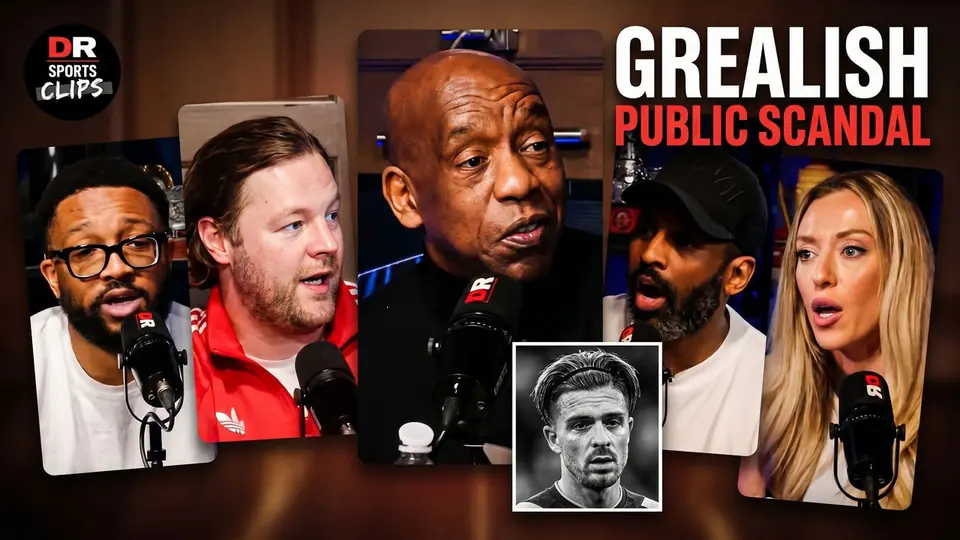
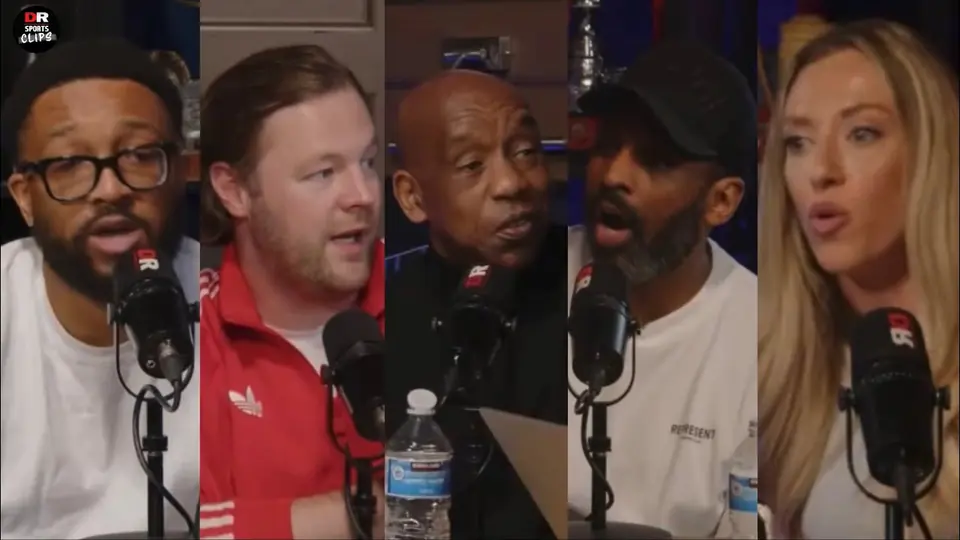
The Truth About The Grealish Public Scandal

Pitch Pod · 1.4M views

Improve thumbnail