Free tool

YouTube Channel ID Finder

Get the UC… channel id from any handle, channel URL, or video link — plus the canonical channel URL and RSS feed.

Why you need a channel ID

Almost every tool downstream of YouTube wants the UC… format.

If you're plugging a channel into the YouTube Data API, an analytics dashboard, an RSS reader, or any automation, the UC… channel ID is what they ask for. Handles are easier to read but they're a UX layer on top of the ID — they can change, they can collide on resolution, and many integrations don't accept them at all.

Where it fits

A one-step shortcut around YouTube’s changing URL formats.

YouTube has shipped three different channel URL formats over the years (/channel/UC…, /user/…, /c/…, and now /@handle), and they all coexist. This tool normalises whichever one you have into the canonical UC… ID, plus gives you the clean channel URL and RSS feed in one step.

FAQ

Common questions

Why does YouTube use UC… IDs and @handles?

UC… is the permanent, canonical identifier YouTube assigns to a channel when it’s created — it never changes. The @handle is a display name a creator can change at any time. APIs, RSS feeds, and most third-party tools want the UC… form because it’s stable.

Can I get a channel ID from a video URL?

Yes. Paste any video URL — youtube.com/watch?v=…, youtu.be/…, or a Shorts link — and the tool extracts the channel id of whoever uploaded it. Useful when you only know the video, not the channel.

What’s the RSS feed for?

YouTube exposes a per-channel RSS feed of new uploads at youtube.com/feeds/videos.xml?channel_id=UC… Useful for monitoring competitors, plugging channels into Feedly, or driving automation without using the YouTube Data API.

Why won’t my @handle resolve?

Handles are case-insensitive but must match exactly otherwise. If YouTube returns a 404 for the handle, the channel either doesn’t exist, is private/terminated, or the handle has been changed recently and YouTube’s cache hasn’t caught up.

Beyond just an ID

Don't just download. Out-create.

SRGE turns a prompt + your visual identity into production-ready thumbnails in seconds — then scores every one so you know which to ship.

01
Inside SRGE

Recreate any winner in your own style

Paste the same URL you just used — SRGE pulls the reference, swaps in your identity, and rebuilds the thumbnail your way.

Paste a YouTube URL to load a reference
LinkUpload
https://www.youtube.com/watch?v=...

Describe the changes you want…

02
Inside SRGE

Prompt-to-thumbnail in seconds

Describe the story and SRGE generates production-ready thumbnail variants — no design tools, no stock searching.

Visual Identity
Style Profile

Prompt + style + identity

20 Credits
03
Inside SRGE

Visual identities that stay consistent

Upload 3 face references once and every future thumbnail keeps your channel looking like itself across uploads.

New Visual Identity

Name your identity…
Front
3/4 Turn
Profile
04
Inside SRGE

Score + one-click fix

See exactly what holds a thumbnail back across Virality, Clarity, Idea, Curiosity, and Emotion — then fix it in one tap.

Before
After
54

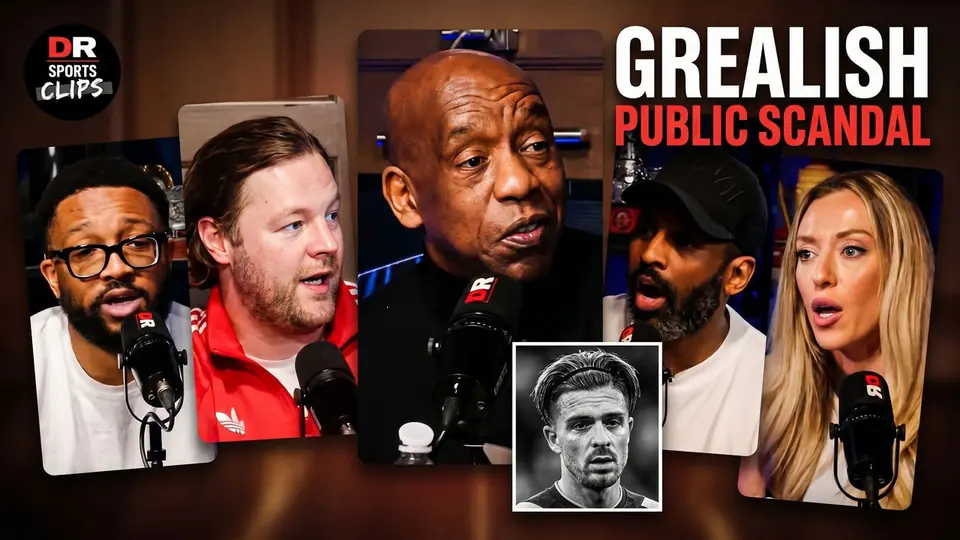
The Truth About The Grealish Public Scandal

Pitch Pod · 1.4M views

Improve thumbnail