Free tool

YouTube Thumbnail Compressor

Drop an image, get a 1280×720 thumbnail under YouTube's 2 MB limit. Quality auto-tunes so the file stays small without looking flat.

Why the size limit matters

YouTube rejects thumbnails above 2 MB — and it's the last step.

Most rendered thumbnails — especially anything detailed enough to read at scroll speed — comfortably exceed 2 MB if you export them straight from Photoshop, Figma, or an AI generator at full quality. YouTube's upload form silently rejects oversized files, so the compressor's job is to land you under that cap without making the thumbnail look flat. The tool sets the canvas to 1280×720 (YouTube's recommended display ratio) and auto-tunes JPEG quality until the file fits.

Where it fits

The final step before upload, not a design tool.

The compressor assumes the creative work is done — composition, expression, text, contrast — and your only remaining problem is the file size. If you also need to design the thumbnail itself, SRGE Studio generates production-ready variants from a prompt or reference, with built-in face consistency and a one-click fix when the score is weak.

FAQ

Common questions

What is the YouTube thumbnail size limit?

YouTube accepts thumbnails up to 2 MB at 1280×720 resolution (16:9). Formats supported are JPG, PNG, GIF, and BMP. Anything above 2 MB is rejected at upload time, so this is the last step before publishing.

Will compressing reduce the quality of my thumbnail?

The tool auto-tunes JPEG quality so the file lands under 2 MB while keeping as much detail as possible. For most thumbnails, the difference is invisible — text stays sharp and faces don't soften.

Why 1280×720 specifically?

1280×720 is YouTube's recommended thumbnail resolution. It matches the 16:9 player aspect, scales cleanly to the home feed (around 320×180) and the watch page (480×270), and gives the encoder the cleanest source to downscale from.

Does my image get uploaded anywhere?

No. The compressor runs entirely in your browser using the Canvas API — your image never leaves the page. Nothing is uploaded to SRGE or any third party.

Beyond just resizing

Don't just download. Out-create.

SRGE turns a prompt + your visual identity into production-ready thumbnails in seconds — then scores every one so you know which to ship.

01
Inside SRGE

Recreate any winner in your own style

Paste the same URL you just used — SRGE pulls the reference, swaps in your identity, and rebuilds the thumbnail your way.

Paste a YouTube URL to load a reference
LinkUpload
https://www.youtube.com/watch?v=...

Describe the changes you want…
02
Inside SRGE

Prompt-to-thumbnail in seconds

Describe the story and SRGE generates production-ready thumbnail variants — no design tools, no stock searching.

Visual Identity
Style Profile

Prompt + style + identity

20 Credits
03
Inside SRGE

Visual identities that stay consistent

Upload 3 face references once and every future thumbnail keeps your channel looking like itself across uploads.

New Visual Identity

Name your identity…
Front
3/4 Turn
Profile
04
Inside SRGE

Score + one-click fix

See exactly what holds a thumbnail back across Virality, Clarity, Idea, Curiosity, and Emotion — then fix it in one tap.

Before
After
54

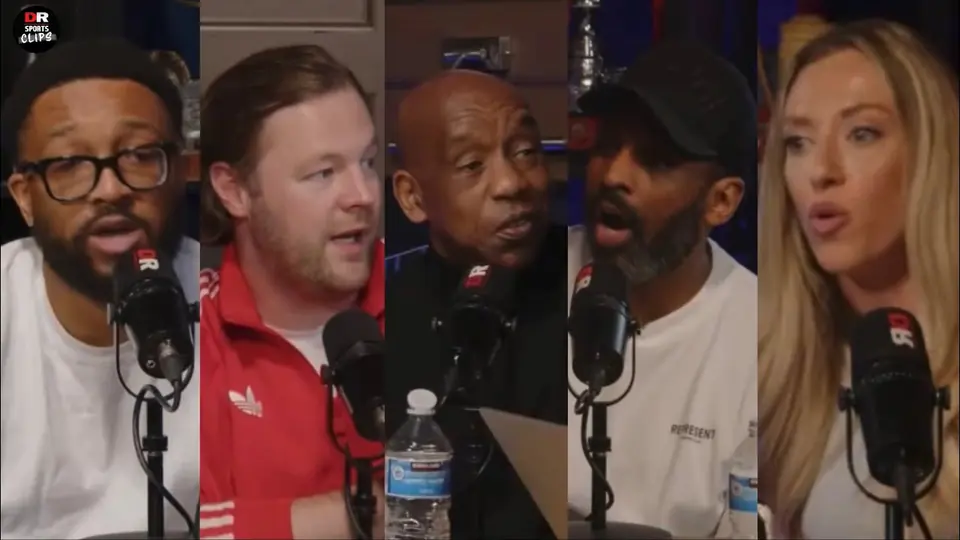
The Truth About The Grealish Public Scandal

Pitch Pod · 1.4M views

Improve thumbnail