Free tool

YouTube Embed Code Generator

Customise autoplay, start time, controls, and size — then copy a paste-ready iframe HTML snippet.

Why customise the embed

The defaults aren’t always what you want.

YouTube's share menu gives you a single iframe with the default parameters baked in. For most marketing pages, course platforms, and blog posts, you actually want different defaults — autoplay muted, start time set to the relevant 30 seconds, controls hidden, related-video suggestions turned off so viewers don't leave. This tool surfaces those options so you don't have to remember the parameter names.

Where it fits

A thumbnail is what gets clicked. The embed is what plays.

Most creators think about embeds in two contexts: showing a clip on their own site (a landing page, support doc, or course module) and configuring autoplay rules to keep visitors engaged. Both rely on the thumbnail looking compelling at small sizes — which is where SRGE Studio comes in.

FAQ

Common questions

Will autoplay actually work in my embed?

Most browsers block unmuted autoplay to protect users — so if you want autoplay to actually trigger, you also need mute set to 1. The tool toggles both together when you enable autoplay.

How is the start time encoded?

Embedded iframes use the start parameter measured in seconds: ?start=125 jumps to 2:05. The tool converts your hours/minutes/seconds picker into the right value automatically.

Can I hide YouTube’s branding?

Pass modestbranding=1 (on by default). YouTube no longer fully hides their logo, but the embed gets a minimal player chrome without the floating YouTube watermark in the corner.

Are there iframe size requirements?

Keep the 16:9 aspect ratio. 560×315 is YouTube's classic embed size; 640×360, 853×480, and 1280×720 are common scaled-up alternatives. The tool generates responsive width=100% iframes by default.

More than just an embed

Don't just download. Out-create.

SRGE turns a prompt + your visual identity into production-ready thumbnails in seconds — then scores every one so you know which to ship.

01
Inside SRGE

Recreate any winner in your own style

Paste the same URL you just used — SRGE pulls the reference, swaps in your identity, and rebuilds the thumbnail your way.

Paste a YouTube URL to load a reference
LinkUpload
https://www.youtube.com/watch?v=...

Describe the changes you want…

02
Inside SRGE

Prompt-to-thumbnail in seconds

Describe the story and SRGE generates production-ready thumbnail variants — no design tools, no stock searching.

Visual Identity
Style Profile

Prompt + style + identity

20 Credits
03
Inside SRGE

Visual identities that stay consistent

Upload 3 face references once and every future thumbnail keeps your channel looking like itself across uploads.

New Visual Identity

Name your identity…
Front
3/4 Turn
Profile
04
Inside SRGE

Score + one-click fix

See exactly what holds a thumbnail back across Virality, Clarity, Idea, Curiosity, and Emotion — then fix it in one tap.

Before
After
54

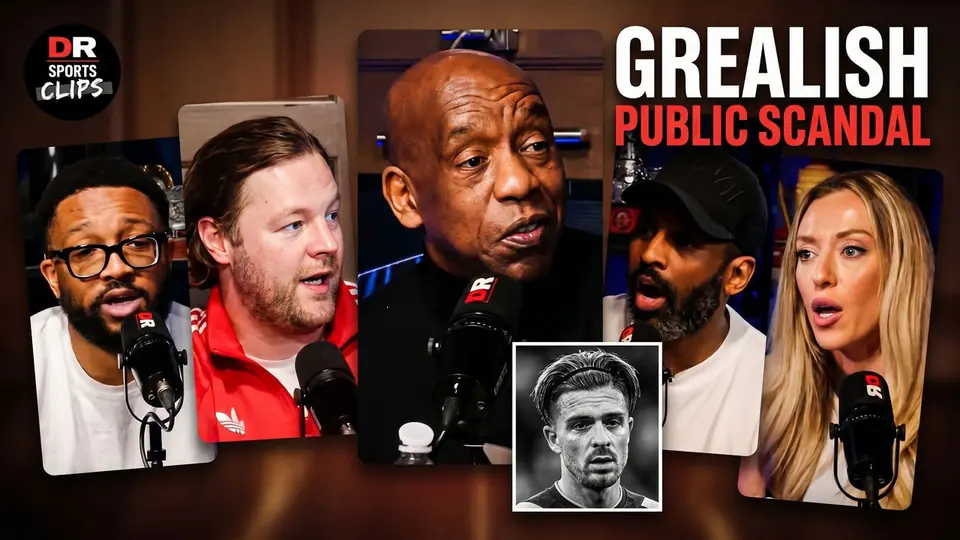
The Truth About The Grealish Public Scandal

Pitch Pod · 1.4M views

Improve thumbnail