Free tool

YouTube Colour Palette Extractor

Paste a URL and pull the dominant colours and hex codes from any YouTube thumbnail. Runs entirely in your browser — your image never leaves the page.

Why colour matters

Recognition before reading.

Viewers scrolling the home feed recognise a channel by its palette before they read the title — that's why MrBeast's red, MKBHD's reds-and-blacks, and Veritasium's blue-on-yellow are so identifiable. Extracting a palette from any thumbnail lets you reverse-engineer what creators in your niche are using and decide whether to match, contrast, or take a corner of colour-space nobody else is occupying.

Where it fits

Palette is a building block, not a finished design.

Having the hex codes is the easy part — the hard part is applying them to a composition that holds together at 320×180 pixels in a busy feed. SRGE Studio's style profiles let you attach a palette to your channel's look so every future thumbnail respects it without manual colour picking on each render.

FAQ

Common questions

How is the palette generated?

The tool downloads the thumbnail image, runs a colour-quantisation algorithm in your browser, and returns the dominant colours sorted by area. No server calls — the image processing happens locally on the page.

Why don’t I see saturated, bright colours in the palette?

A lot of high-CTR thumbnails actually use surprisingly muted base tones with one or two saturated accent colours layered on top. The palette reflects what’s actually in the image — not what the human eye remembers seeing.

Can I extract colours from my own image instead of a YouTube URL?

This free tool only takes YouTube URLs. To analyse your own draft thumbnails, open SRGE Studio — the Analyze workflow inspects composition, contrast, and palette balance on uploaded images.

What can I do with the hex codes?

Paste them straight into a design tool as swatches, save them to a brand palette, or pass them to an image generator as colour anchors. Inside SRGE, you can attach a palette to a style profile so every future render holds that look.

Beyond just a palette

Don't just download. Out-create.

SRGE turns a prompt + your visual identity into production-ready thumbnails in seconds — then scores every one so you know which to ship.

01
Inside SRGE

Recreate any winner in your own style

Paste the same URL you just used — SRGE pulls the reference, swaps in your identity, and rebuilds the thumbnail your way.

Paste a YouTube URL to load a reference
LinkUpload
https://www.youtube.com/watch?v=...

Describe the changes you want…
02
Inside SRGE

Prompt-to-thumbnail in seconds

Describe the story and SRGE generates production-ready thumbnail variants — no design tools, no stock searching.

Visual Identity
Style Profile

Prompt + style + identity

20 Credits
03
Inside SRGE

Visual identities that stay consistent

Upload 3 face references once and every future thumbnail keeps your channel looking like itself across uploads.

New Visual Identity

Name your identity…
Front
3/4 Turn
Profile
04
Inside SRGE

Score + one-click fix

See exactly what holds a thumbnail back across Virality, Clarity, Idea, Curiosity, and Emotion — then fix it in one tap.

Before
After
54

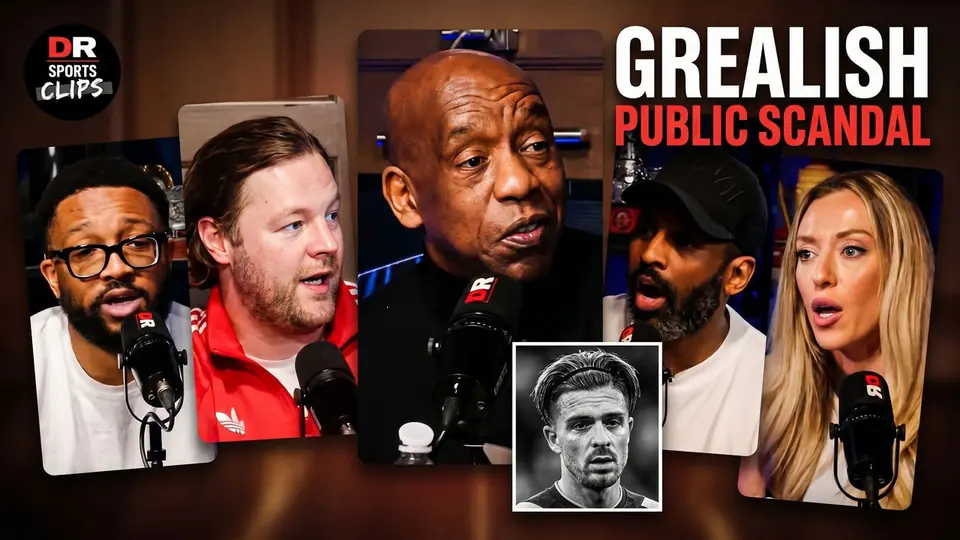
The Truth About The Grealish Public Scandal

Pitch Pod · 1.4M views

Improve thumbnail