How to Match Your YouTube Title and Thumbnail Without Clickbait

Written by SRGE
We build thumbnail workflows for creators and publish practical guidance based on the product work and sources cited in each article.
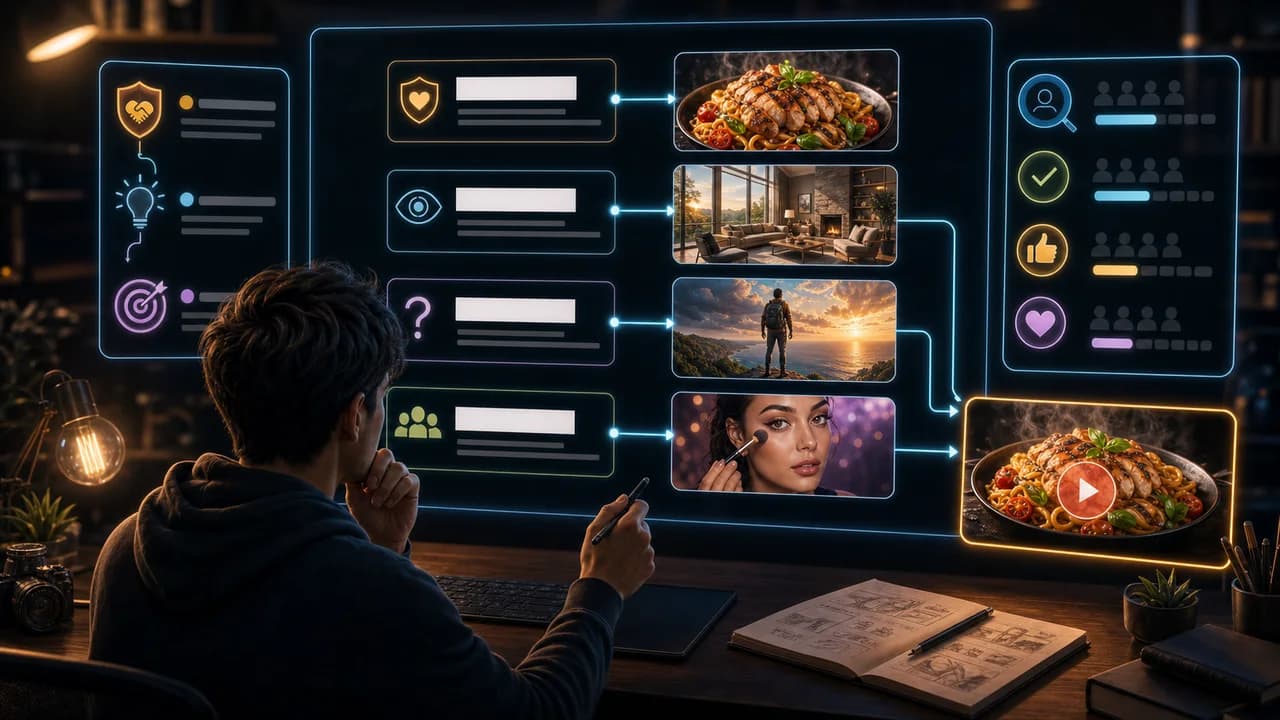
The title and thumbnail are not two separate ads. They are one package. If they promise different things, the viewer feels the mismatch before they even click.
The useful goal is not to chase a universal thumbnail formula. It is to make the video's promise understandable at feed size, keep the packaging honest, and give yourself more than one strong direction to compare before publishing.
Fact-checked on 7 July 2026 against YouTube's thumbnail and title tips, custom thumbnail requirements, title and thumbnail testing documentation, and YouTube's spam, deceptive practices, and scams policy. The examples below are creative strategy guidance, not performance guarantees.
What people searching for YouTube title and thumbnail really need
Creators searching this topic usually want more clicks without drifting into clickbait. The useful move is to create an honest curiosity gap: enough information to care, not so much that the video feels already answered.
Principles that make the thumbnail easier to click
- Give each piece a different job: The title can name the idea; the thumbnail can show the proof, tension, result, or emotion.
- Avoid double explaining: If the thumbnail text repeats the title, the package wastes space and feels less interesting.
- Set the right expectation: A viewer should get the kind of video they thought they clicked: tutorial, essay, review, story, or test.
- Curiosity is not deception: You can withhold the answer without implying a false result, fake danger, or unsupported claim.
A practical workflow
- Write the promise: Say what the viewer should expect after clicking.
- Split the jobs: Choose what the title says and what the thumbnail shows.
- Remove contradictions: Check whether the image implies something stronger, scarier, or more certain than the title and video support.
- Test different pairings: A different thumbnail can make the same title feel practical, dramatic, emotional, or analytical.
Thumbnail angles and prompts to try
Use these as starting points in SRGE's idea workflow or the AI YouTube thumbnail generator. The best option should make sense before the title is read and still feel accurate after the viewer watches the video.
1. Title names the topic, thumbnail shows the result
Useful for tutorials where the viewer wants proof before they spend time watching.
2. Title asks the question, thumbnail shows the stakes
Useful for reviews, experiments, and comparisons.
3. Title gives the claim, thumbnail shows the evidence
Useful when the video depends on proof rather than opinion.
4. Title sets the story, thumbnail shows the turning point
Useful for documentaries, essays, reactions, and creator stories.
5. Title explains the method, thumbnail shows the mistake
Useful for how-to content where the viewer wants to avoid pain.
Common mistakes to avoid
- Making title and thumbnail repeat the same exact phrase.
- Using a thumbnail that suggests a result the video does not deliver.
- Making the package so vague that the viewer cannot tell what kind of video it is.
- Testing color changes instead of testing different title-thumbnail promises.
Before you publish
YouTube's current guidance recommends thinking about the target audience, using familiar or emotionally clear features, keeping text easy to read, avoiding overly complex designs, and reviewing analytics after publishing. Eligible creators can also test up to three title, thumbnail, or title-and-thumbnail combinations in YouTube Studio; the winning option is selected by watch-time share, not CTR alone.
- Can you state the shared promise in one sentence?
- Does the thumbnail show something the title does not already say?
- Would a viewer feel tricked after watching the video?
- Have you made at least two different pairings, not just two crops?
For the bigger picture, read how to make YouTube thumbnails that get clicks and, when you have multiple directions, our guide to A/B testing YouTube thumbnails.
If a concept is close but not clear enough, run the image through the YouTube thumbnail analyzer, then regenerate or refine it in the AI YouTube thumbnail generator.
Want stronger title-thumbnail pairs? Use SRGE to generate practical, emotional, comparison, and proof-led thumbnail options for the same title.
Keep reading