Tech Review Thumbnail Ideas for Products and Verdicts

Written by SRGE
We build thumbnail workflows for creators and publish practical guidance based on the product work and sources cited in each article.
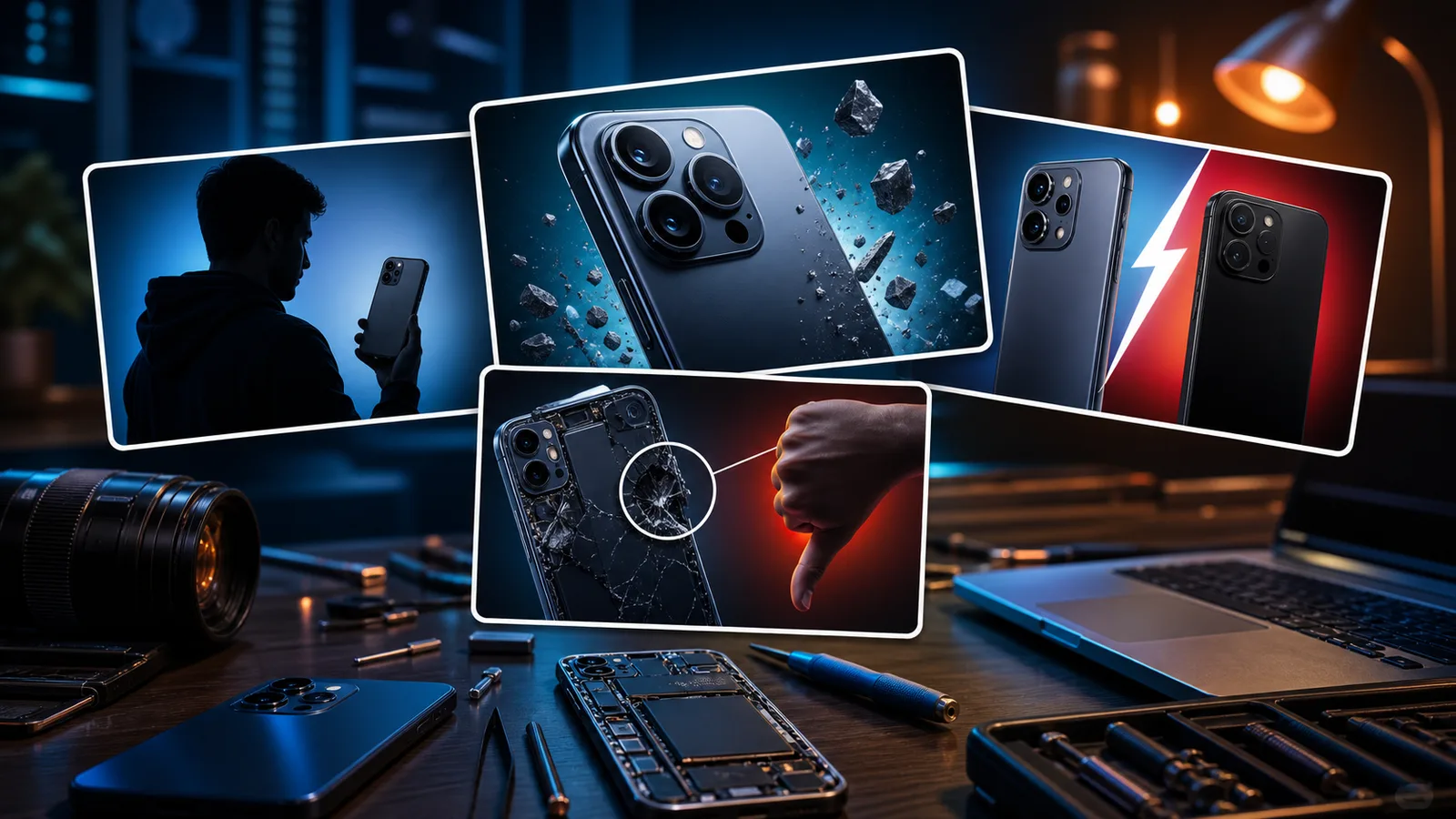
Tech review thumbnails work when the viewer can instantly see the product question: is it better, broken, overpriced, surprisingly good, or not worth upgrading?
The goal is not to copy a thumbnail style from another creator. The goal is to choose a visual promise that fits the viewer's reason for clicking in this niche, then make that promise readable at feed size.
Fact-checked on 24 June 2026 against YouTube's thumbnail and title tips, custom thumbnail requirements, and title and thumbnail testing documentation. The examples below are creative strategy prompts, not performance guarantees.
What works in tech review thumbnails
Tech viewers often arrive with purchase intent or curiosity about a specific product. The thumbnail should clarify the question faster than a spec sheet can.
- Make the product large: If the device is the reason people click, it should not be a small prop beside a giant face.
- Show the verdict visually: A crack, comparison gap, heat glow, battery drain, or dramatic scale can make the review angle clear.
- Use honest comparison: Compare visible differences that the video actually covers, not random products for extra drama.
- Avoid spec clutter: Tiny numbers, tables, and icons usually vanish at feed size. Let the title carry the exact spec.
10 tech review thumbnail ideas
Use these as starting angles inside SRGE's thumbnail idea workflow. The best version should match the actual video, the title, and the viewer's expectation after the click.
1. The one flaw
Focus the thumbnail on the defect or weakness that changes the buying decision.
2. Old versus new
Show the upgrade question as a clear side-by-side instead of a pile of products.
3. The hidden cost
For accessories, subscriptions, repairs, or ecosystem videos, visualize the cost around the product.
4. Battery anxiety
Battery videos need a visual drain or survival angle, not a screenshot of settings.
5. The teardown reveal
If the video opens the device, show the internal surprise as the focal point.
6. Cheap option beats expensive option
Use a clean contrast between two products and one visual result instead of relying on price text.
7. The camera test
Camera reviews should show the result, not only the lens bump. Use lighting, subject, or scene contrast.
8. Overheating problem
Show the consequence directly: heat, throttling, performance drop, or uncomfortable use.
9. Buyer regret
For long-term reviews, package the feeling after weeks of use, not the launch hype.
10. The setup transformation
Desk, camera, audio, and productivity tech videos often benefit from an obvious before/after setup change.
Common mistakes to avoid
- Using tiny spec labels that are impossible to read in recommendations.
- Letting product reflections, UI screenshots, and background gadgets create visual noise.
- Overpromising a verdict the review does not actually support.
- Using recognizable brand logos when a generic product visual would do the job.
- Making every tech thumbnail a shocked-face-and-phone composition.
How to turn the idea into a stronger thumbnail
- Compare a product-first thumbnail against a verdict-first thumbnail.
- If the video is a buyer guide, make the buying tension visible.
- Check whether the product remains identifiable after shrinking the image.
- Use SRGE's analyzer to spot whether the product or the reaction is winning the first glance.
YouTube's current guidance recommends thinking about the target audience, using familiar or emotionally clear features, keeping text easy to read, avoiding overly complex designs, and reviewing analytics after publishing. Eligible creators can also test up to three title, thumbnail, or title-and-thumbnail combinations in YouTube Studio; the winning option is selected by watch-time share, not CTR alone.
For the wider strategy behind these ideas, read how to make YouTube thumbnails that get clicks. If you plan to publish multiple options, pair this article with our guide to A/B testing YouTube thumbnails.
If the first version feels close but not strong enough, run it through the YouTube thumbnail analyzer. Then regenerate or refine the idea in the AI YouTube thumbnail generator.
Use SRGE to turn your review angle into product-first, comparison-first, and verdict-first thumbnail options before choosing the final upload.
Keep reading