Podcast Thumbnail Ideas for Clickable Interviews

Written by SRGE
We build thumbnail workflows for creators and publish practical guidance based on the product work and sources cited in each article.
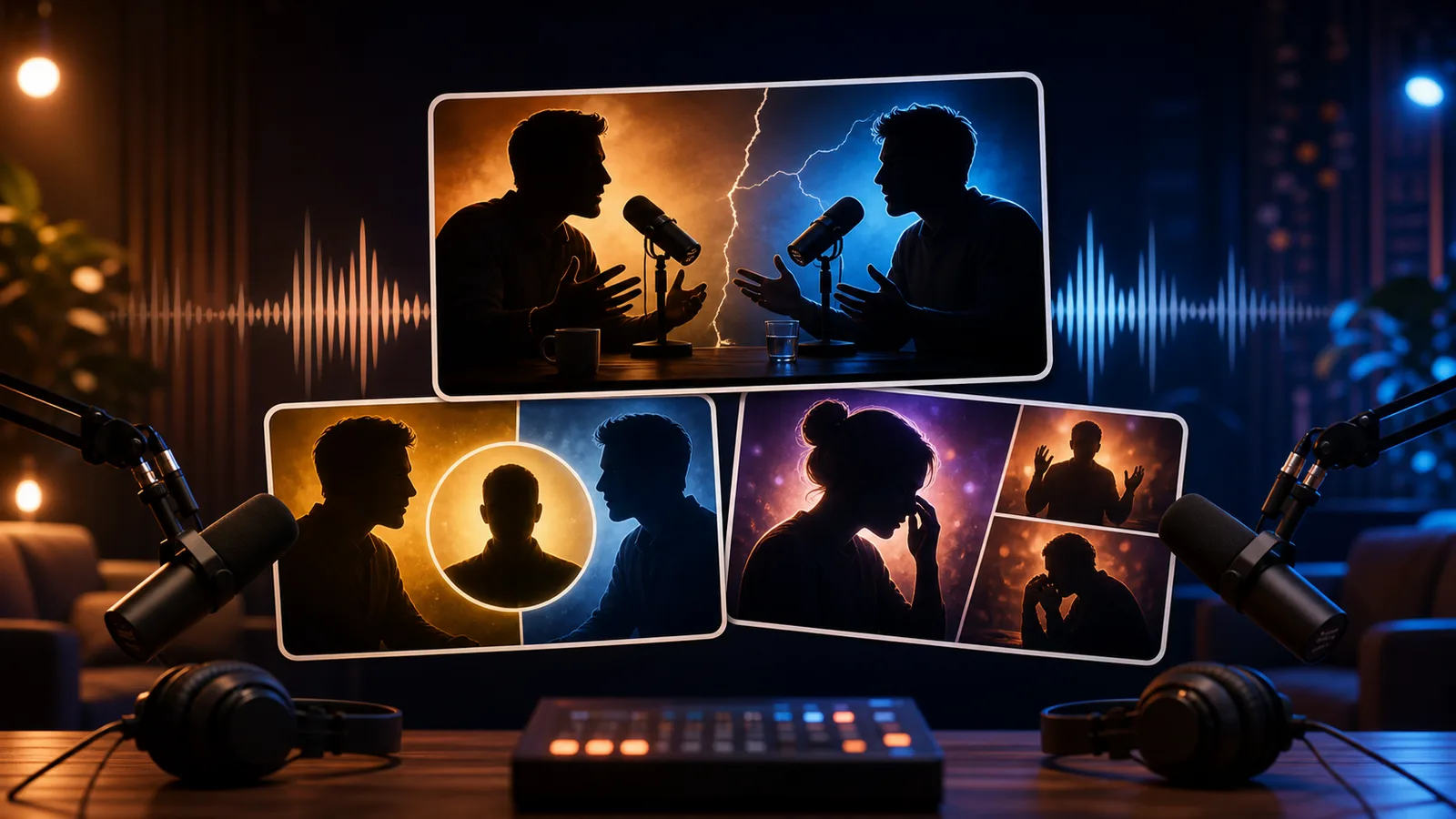
A podcast thumbnail has to do more than show two people near microphones. It has to answer the viewer's silent question: why is this conversation worth watching now?
The goal is not to copy a thumbnail style from another creator. The goal is to choose a visual promise that fits the viewer's reason for clicking in this niche, then make that promise readable at feed size.
Fact-checked on 24 June 2026 against YouTube's thumbnail and title tips, custom thumbnail requirements, and title and thumbnail testing documentation. The examples below are creative strategy prompts, not performance guarantees.
What works in podcast interview thumbnails
Podcast viewers often choose based on guest recognition, topic curiosity, emotional stakes, or a sharp disagreement. The thumbnail should make one of those reasons obvious without turning the conversation into fake drama.
- Lead with the reason to care: The guest's face helps only if the audience recognizes them or the visual makes the topic clear.
- Show relationship dynamics: Agreement, disagreement, surprise, confession, or respect can all be shown through pose and spacing.
- Use fewer faces: Two large faces usually work better than four tiny panelists competing for attention.
- Make clips specific: A clip thumbnail should package the moment, not the entire episode.
10 podcast interview thumbnail ideas
Use these as starting angles inside SRGE's thumbnail idea workflow. The best version should match the actual video, the title, and the viewer's expectation after the click.
1. The guest said the quiet part
Use a close-up reaction from the host and a calm guest posture to imply a revealing moment without overclaiming.
2. Friendly debate
A split-color composition can show disagreement while keeping the tone respectful and credible.
3. The emotional story
For personal episodes, make the face or body language carry the emotion. Avoid cluttered props unless they explain the story.
4. The expert explains the mistake
Position the guest as the explainer and use a simple visual metaphor for the mistake or misconception.
5. The guest versus the myth
Show the guest on one side and the mistaken belief as an object or symbol on the other.
6. Two eras of the same story
If the episode compares past and present, show a timeline or before/after photo wall rather than tiny screenshots.
7. The clipped reaction
For Shorts or clips, one big expression and one contextual prop often beats a full episode-style layout.
8. Host changes their mind
A change-of-mind episode needs visible contrast: the host before and after hearing the guest's point.
9. The uncomfortable question
Use spacing and eye-line. A host leaning in and a guest pausing can imply stakes without sensationalizing the guest.
10. The big lesson from the episode
If the podcast is educational, show the lesson visually instead of only relying on the guest.
Common mistakes to avoid
- Using the same two-head layout for every episode, regardless of topic.
- Making the guest tiny while the microphones dominate the frame.
- Adding a long quote that only works on desktop.
- Exaggerating conflict when the episode is actually calm or nuanced.
- Using guest imagery you do not have permission to use in promotion.
How to turn the idea into a stronger thumbnail
- Make one version guest-led and one version topic-led.
- If the guest is not broadly recognizable, test a stronger visual promise.
- Check whether the thumbnail still works when the title is hidden.
- For clips, test a moment-specific thumbnail rather than the main episode art.
YouTube's current guidance recommends thinking about the target audience, using familiar or emotionally clear features, keeping text easy to read, avoiding overly complex designs, and reviewing analytics after publishing. Eligible creators can also test up to three title, thumbnail, or title-and-thumbnail combinations in YouTube Studio; the winning option is selected by watch-time share, not CTR alone.
For the wider strategy behind these ideas, read how to make YouTube thumbnails that get clicks. If you plan to publish multiple options, pair this article with our guide to A/B testing YouTube thumbnails.
If the first version feels close but not strong enough, run it through the YouTube thumbnail analyzer. Then regenerate or refine the idea in the AI YouTube thumbnail generator.
SRGE can help package a podcast episode around the guest, the question, the conflict, or the emotional moment—without reusing the same microphone layout forever.
Keep reading