Gaming YouTube Thumbnail Ideas That Clarify the Hook

Written by SRGE
We build thumbnail workflows for creators and publish practical guidance based on the product work and sources cited in each article.
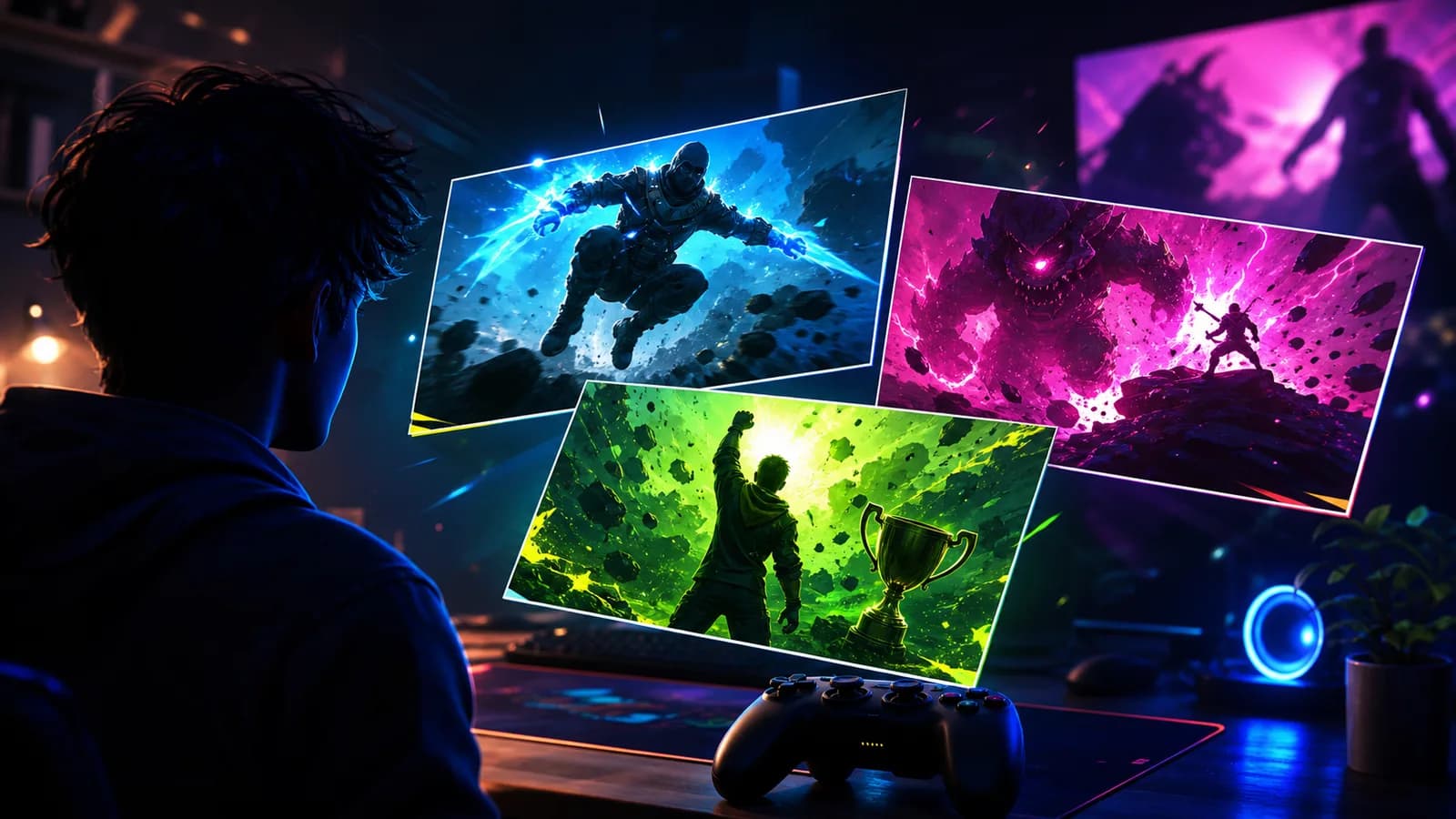
The strongest gaming thumbnails usually communicate one thing fast: the challenge, the stakes, the reward, or the moment everything goes wrong. Tiny gameplay detail rarely carries the click by itself.
The goal is not to copy a thumbnail style from another creator. The goal is to choose a visual promise that fits the viewer's reason for clicking in this niche, then make that promise readable at feed size.
Fact-checked on 24 June 2026 against YouTube's thumbnail and title tips, custom thumbnail requirements, and title and thumbnail testing documentation. The examples below are creative strategy prompts, not performance guarantees.
What works in gaming YouTube thumbnails
Gaming viewers are often scanning thumbnails that look visually similar: bright game footage, character poses, progress bars, weapons, loot, menus, or reaction faces. A good gaming thumbnail reduces that chaos into one readable promise.
- Show the game moment, not just the game: A boss, rare item, impossible jump, broken strategy, or final score is easier to understand than a generic screenshot.
- Use scale: Make the enemy, item, map, or result large enough that the viewer understands the stakes on mobile.
- Keep one emotion: Surprise, fear, victory, regret, or disbelief works better than three competing reactions.
- Avoid fake stakes: If the video is a guide, do not package it like a disaster. If it is a challenge, make the actual challenge obvious.
10 gaming YouTube thumbnail ideas
Use these as starting angles inside SRGE's thumbnail idea workflow. The best version should match the actual video, the title, and the viewer's expectation after the click.
1. The impossible challenge
Frame the video around the rule that makes the run difficult: one health bar, no upgrades, no damage, random controls, or a strange weapon choice.
2. The boss is bigger than expected
Use scale contrast. The boss should feel overwhelming, but the player goal still needs to be clear.
3. The rare drop or reward
If the video is about grinding, make the payoff the focal point. The viewer should understand what was earned before reading the title.
4. Before and after base build
Construction, survival, and sandbox videos often work best when the improvement is visible in one glance.
5. The broken strategy
Show the system being bent: one strange build beating a stronger enemy, an odd loadout, or a mechanic used in a surprising way.
6. The one mistake that ended the run
For story-driven gameplay, package the turning point. A single mistake is more clickable than a summary of the whole session.
7. Patch changed everything
If the video explains an update, show the visible consequence rather than a generic menu screen.
8. Rank climb proof
Competitive videos need proof. Show the ladder movement, match pressure, or final clutch moment without cluttering the thumbnail with tiny UI.
9. Hidden area discovered
Mystery works when the thumbnail shows a doorway, map edge, strange object, or blocked path that implies discovery.
10. Friend betrayed the team
Multiplayer stories need readable relationships. Use two players, one decisive action, and one clear consequence.
Common mistakes to avoid
- Using a raw gameplay screenshot where every object is the same size.
- Making the face, boss, item, map, and UI all compete for attention.
- Adding tiny inventory, scoreboard, or menu details that disappear on mobile.
- Packaging a calm guide like a fake emergency.
- Using copyrighted characters or official game art in ways you do not have rights to reuse.
How to turn the idea into a stronger thumbnail
- Create one version that leads with the challenge and one that leads with the reward.
- Shrink the image until the smallest details disappear; the premise should still survive.
- Score the thumbnail for focal clarity before adding text or effects.
- If testing in YouTube Studio, make each option test a different promise, not just a different color grade.
YouTube's current guidance recommends thinking about the target audience, using familiar or emotionally clear features, keeping text easy to read, avoiding overly complex designs, and reviewing analytics after publishing. Eligible creators can also test up to three title, thumbnail, or title-and-thumbnail combinations in YouTube Studio; the winning option is selected by watch-time share, not CTR alone.
For the wider strategy behind these ideas, read how to make YouTube thumbnails that get clicks. If you plan to publish multiple options, pair this article with our guide to A/B testing YouTube thumbnails.
If the first version feels close but not strong enough, run it through the YouTube thumbnail analyzer. Then regenerate or refine the idea in the AI YouTube thumbnail generator.
Want faster gaming concepts? Use SRGE to turn the challenge, boss, reward, or mistake into multiple thumbnail directions before you open a blank canvas.
Keep reading