DIY Thumbnail Ideas for Craft and Maker Videos

Written by SRGE
We build thumbnail workflows for creators and publish practical guidance based on the product work and sources cited in each article.
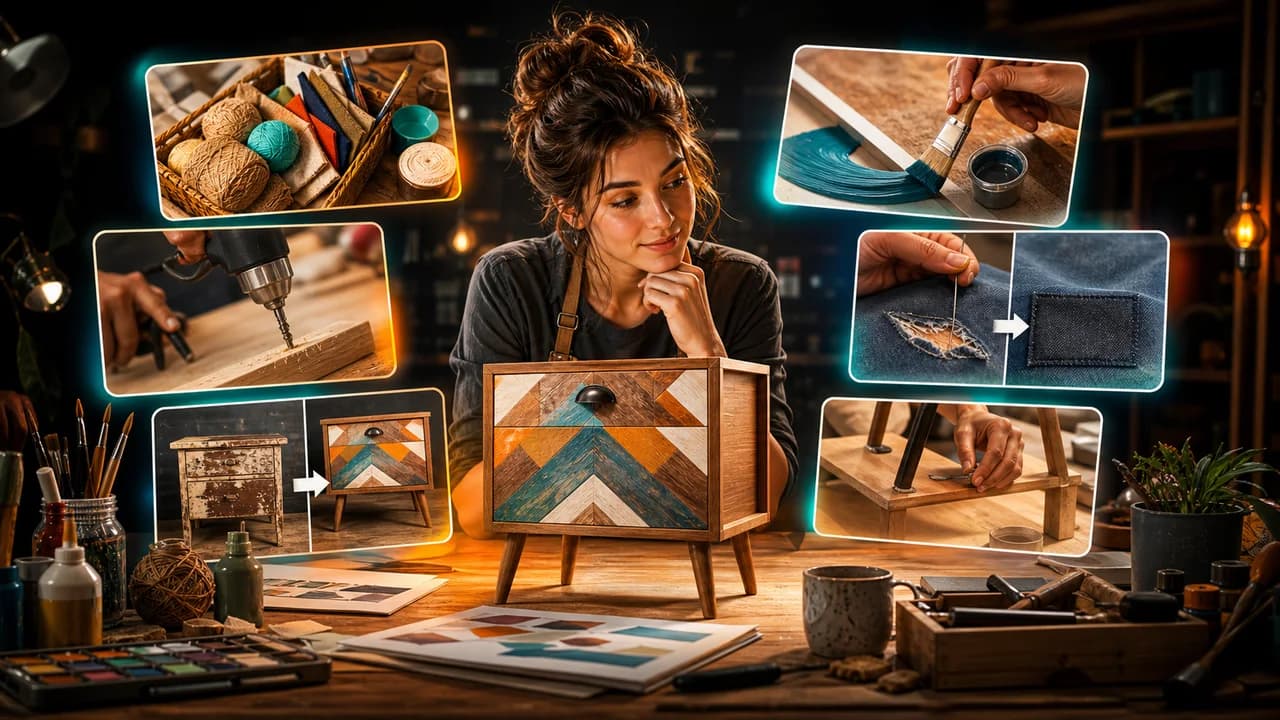
DIY thumbnails work when the viewer sees the transformation or the cleverness immediately. The raw material, the tool moment, and the finished result should not all compete at the same size.
The goal is not to copy a thumbnail style from another creator. The goal is to choose a visual promise that fits the viewer's reason for clicking in this niche, then make that promise readable at feed size.
Fact-checked on 24 June 2026 against YouTube's thumbnail and title tips, custom thumbnail requirements, and title and thumbnail testing documentation. The examples below are creative strategy prompts, not performance guarantees.
What works in DIY and craft YouTube thumbnails
DIY viewers want to know what they can make, fix, improve, or learn. A good thumbnail makes the project feel achievable while still showing a result worth clicking for.
- Show the before and after clearly: The simplest DIY hook is transformation. Keep the two states visually similar enough to compare.
- Make the finished object the hero: Tools and materials are useful context, but the viewer clicks for the result or the clever method.
- Use one process moment: A cut, pour, stitch, paint stroke, snap-fit, or reveal can make the tutorial feel tangible.
- Keep safety believable: Do not package unsafe tool use or impossible shortcuts as if they are easy hacks.
10 DIY and craft YouTube thumbnail ideas
Use these as starting angles inside SRGE's thumbnail idea workflow. The best version should match the actual video, the title, and the viewer's expectation after the click.
1. Trash to finished piece
Upcycling and makeover videos need the material and result in the same frame, with the result clearly more important.
2. One tool changed everything
For technique videos, show the tool making the visible difference rather than surrounding it with every supply.
3. Messy start to clean finish
A strong contrast between chaos and order makes home decor, cleaning, and craft organization videos easy to understand.
4. The failed attempt
Mistakes are clickable when the problem is visible and the fix is implied.
5. Tiny material, big result
Show scale when a small supply turns into something impressive: paper, fabric, scrap wood, clay, or paint.
6. Room makeover focal point
For home DIY, avoid showing the entire room. Choose the shelf, wall, lamp, table, or corner that proves the change.
7. Satisfying assembly
Click-fit, weaving, pouring resin, sanding, painting, or arranging components can make the process visually satisfying.
8. Handmade gift reveal
Gift tutorials work when the emotional result is clear: a wrapped item, personalized object, or recipient moment.
9. Repair saved it
Repair videos need the broken part and the saved result. Show the proof without zooming into confusing detail.
10. Beginner project confidence
Beginner tutorials should look approachable: fewer tools, simple materials, and a result that feels possible.
Common mistakes to avoid
- Showing every supply and tool instead of the transformation.
- Using before-and-after angles that are too different to compare.
- Making the result look professionally manufactured when the tutorial produces a handmade version.
- Packaging unsafe shortcuts or tool handling as casual hacks.
- Adding tiny labels, measurements, or steps that disappear on mobile.
How to turn the idea into a stronger thumbnail
- Create one version led by finished result and one led by process surprise.
- Shrink the thumbnail and check whether the before-and-after still compares cleanly.
- Keep the project achievable: the thumbnail should match what the tutorial actually teaches.
- If testing in YouTube Studio, compare transformation, mistake fix, and satisfying process angles.
YouTube's current guidance recommends thinking about the target audience, using familiar or emotionally clear features, keeping text easy to read, avoiding overly complex designs, and reviewing analytics after publishing. Eligible creators can also test up to three title, thumbnail, or title-and-thumbnail combinations in YouTube Studio; the winning option is selected by watch-time share, not CTR alone.
For the wider strategy behind these ideas, read how to make YouTube thumbnails that get clicks. If you plan to publish multiple options, pair this article with our guide to A/B testing YouTube thumbnails.
If the first version feels close but not strong enough, run it through the YouTube thumbnail analyzer. Then regenerate or refine the idea in the AI YouTube thumbnail generator.
Want faster DIY concepts? Use SRGE to turn the material, process moment, mistake, or finished project into multiple thumbnail directions.
Keep reading