ASMR Thumbnail Ideas for Calm, Clickable Videos

Written by SRGE
We build thumbnail workflows for creators and publish practical guidance based on the product work and sources cited in each article.
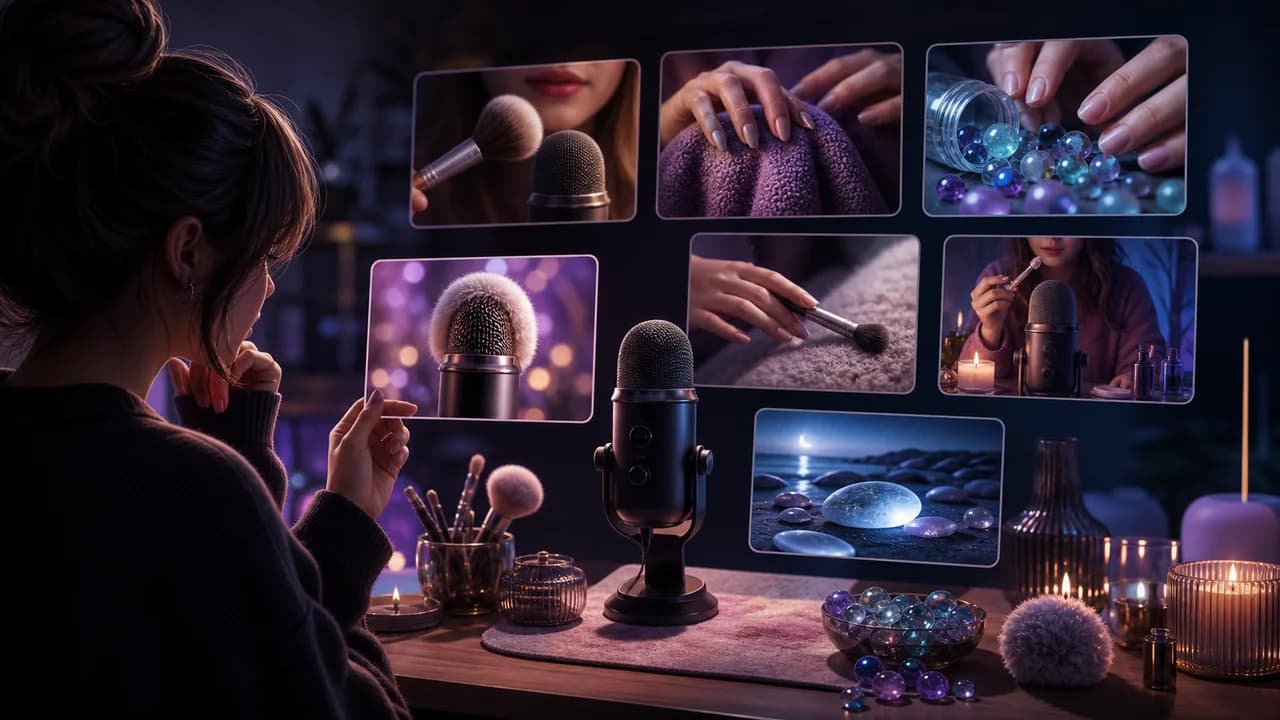
ASMR thumbnails have a different job from loud creator thumbnails. They need to feel calm, tactile, and specific enough that the viewer understands the sound experience before pressing play.
The goal is not to copy a thumbnail style from another creator. The goal is to choose a visual promise that fits the viewer's reason for clicking in this niche, then make that promise readable at feed size.
Fact-checked on 24 June 2026 against YouTube's thumbnail and title tips, custom thumbnail requirements, and title and thumbnail testing documentation. The examples below are creative strategy prompts, not performance guarantees.
What works in ASMR YouTube thumbnails
ASMR viewers may be choosing by trigger, mood, roleplay, texture, voice style, or sleep intention. A good thumbnail makes the sensory promise clear without cluttering the frame.
- Show the trigger: Microphones, brushes, glass, fabric, tapping objects, pages, and hands should be large enough to imply the sound.
- Keep the mood consistent: A relaxing sleep video should not look like a reaction video. Soft contrast and clean spacing usually help.
- Use texture as the visual hook: ASMR is sensory. Close crops of texture can be stronger than a generic face or room setup.
- Avoid misleading intimacy: Keep roleplay and close-up framing appropriate to the actual video and the intended audience.
10 ASMR YouTube thumbnail ideas
Use these as starting angles inside SRGE's thumbnail idea workflow. The best version should match the actual video, the title, and the viewer's expectation after the click.
1. Trigger assortment grid
Show several textures or objects, but keep one hero trigger larger so the image does not become a cluttered shelf.
2. Microphone close-up
For sound tests, the microphone and hand position can communicate the experience faster than a face.
3. Texture table
If the video is about sounds from fabric, beads, soap, slime, paper, or wood, make the texture the main subject.
4. Sleep routine setup
Sleep videos benefit from visual quiet: bedside light, soft objects, closed laptop, and one calming focal point.
5. Roleplay scene cue
Show the setting or prop that explains the roleplay, but avoid turning the thumbnail into a crowded costume shot.
6. Satisfying arrangement
Symmetry, rows, and neat objects can signal a predictable calming video.
7. Whisper plus object
If the creator's voice matters, pair the face with a sound object so the viewer understands both the mood and trigger.
8. Unboxing texture reveal
Unboxing can work for ASMR when the package, material, and reveal are visually quiet and tactile.
9. No talking sound test
Show the object and microphone relationship clearly so the viewer understands the video is sound-led.
10. Color mood series
For themed ASMR, use one color family and one trigger type rather than a rainbow of unrelated objects.
Common mistakes to avoid
- Making the thumbnail loud, crowded, or aggressively high-contrast for a calming video.
- Showing too many triggers at the same size.
- Using suggestive framing that does not match the actual ASMR concept.
- Hiding the main sound object behind a face or decorative props.
- Using tiny object labels or episode numbers that add noise instead of clarity.
How to turn the idea into a stronger thumbnail
- Create one version led by the trigger object and one led by mood or roleplay setup.
- Check the thumbnail at small size; it should still feel calm and specific.
- Keep the brightest highlight on the main sound object or microphone.
- If testing in YouTube Studio, compare trigger clarity against sleep/mood clarity.
YouTube's current guidance recommends thinking about the target audience, using familiar or emotionally clear features, keeping text easy to read, avoiding overly complex designs, and reviewing analytics after publishing. Eligible creators can also test up to three title, thumbnail, or title-and-thumbnail combinations in YouTube Studio; the winning option is selected by watch-time share, not CTR alone.
For the wider strategy behind these ideas, read how to make YouTube thumbnails that get clicks. If you plan to publish multiple options, pair this article with our guide to A/B testing YouTube thumbnails.
If the first version feels close but not strong enough, run it through the YouTube thumbnail analyzer. Then regenerate or refine the idea in the AI YouTube thumbnail generator.
Want faster ASMR concepts? Use SRGE to turn the trigger, texture, mood, or roleplay setup into calmer thumbnail options before you publish.
Keep reading