AI Thumbnail Prompt Guide for Better YouTube Concepts

Written by SRGE
We build thumbnail workflows for creators and publish practical guidance based on the product work and sources cited in each article.
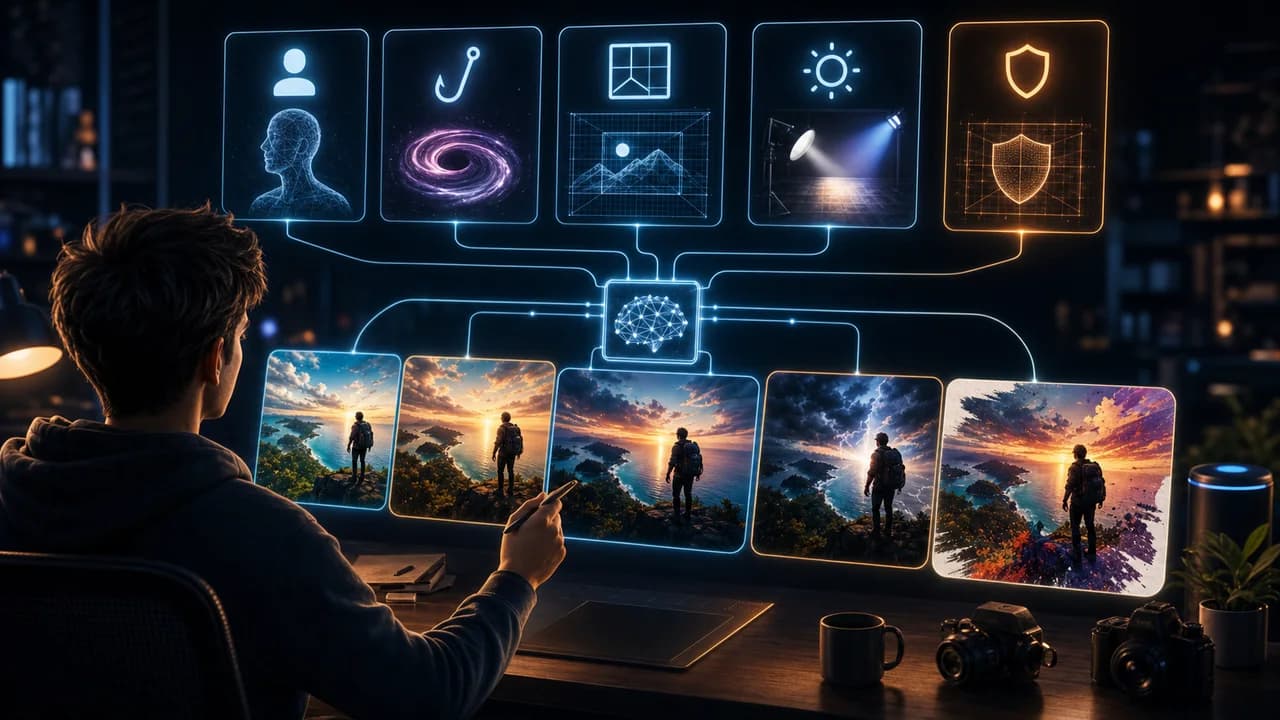
A good AI thumbnail prompt is not a pile of adjectives. It is a compact creative brief: what the viewer should understand, what object or person carries that idea, and how the composition should stay readable.
The useful goal is not to chase a universal thumbnail formula. It is to make the video's promise understandable at feed size, keep the packaging honest, and give yourself more than one strong direction to compare before publishing.
Fact-checked on 7 July 2026 against YouTube's thumbnail and title tips, custom thumbnail requirements, title and thumbnail testing documentation, and YouTube's spam, deceptive practices, and scams policy. The examples below are creative strategy guidance, not performance guarantees.
What people searching for AI thumbnail prompt really need
Searchers want prompts they can copy, but copied prompts only get you so far. The real win is a repeatable structure that turns any video idea into several distinct thumbnail directions.
Principles that make the thumbnail easier to click
- Start with the promise: Tell the model what the thumbnail must communicate: mistake, transformation, comparison, result, risk, or reveal.
- Name the focal subject: Every prompt should identify the main subject and keep supporting details secondary.
- Control the crop: Wide scene, close-up, split comparison, POV, or product hero all produce different thumbnail logic.
- Ban clutter explicitly: Prompts for thumbnails should often say no tiny UI, no small text, no logos, no watermark, and no crowded background.
A practical workflow
- Use the formula: Promise + subject + composition + emotion + constraints. That is usually enough to get a usable first set.
- Generate different angles: Ask for a result-led version, a problem-led version, and a comparison-led version before choosing.
- Edit the winning idea: Once a direction works, refine pose, contrast, background, and text separately instead of rewriting everything.
- Check honesty: If the AI image implies a result, product, or scene the video does not contain, change the concept.
Thumbnail angles and prompts to try
Use these as starting points in SRGE's idea workflow or the AI YouTube thumbnail generator. The best option should make sense before the title is read and still feel accurate after the viewer watches the video.
1. Transformation prompt
Use when the video is about improvement, cleanup, progress, or before-and-after proof.
2. Mistake prompt
Use when the video teaches what went wrong or how to avoid a common trap.
3. Comparison prompt
Use when the title compares tools, methods, products, or strategies.
4. Curiosity prompt
Use when the video has a reveal, mystery, or unexpected finding.
5. Proof prompt
Use when the video depends on a measurable result, but keep the claim honest.
Common mistakes to avoid
- Prompting for style before defining the viewer promise.
- Asking for five focal subjects and expecting a clean thumbnail.
- Letting the AI invent text, logos, UI, or brand details you cannot use.
- Choosing the prettiest image instead of the clearest one.
Before you publish
YouTube's current guidance recommends thinking about the target audience, using familiar or emotionally clear features, keeping text easy to read, avoiding overly complex designs, and reviewing analytics after publishing. Eligible creators can also test up to three title, thumbnail, or title-and-thumbnail combinations in YouTube Studio; the winning option is selected by watch-time share, not CTR alone.
- Does the prompt name the thumbnail promise before it names the style?
- Did you generate at least three meaningfully different angles?
- Does the image avoid fake claims, fake UI, and unreadable details?
- Can you explain why the winning concept matches the title?
For the bigger picture, read how to make YouTube thumbnails that get clicks and, when you have multiple directions, our guide to A/B testing YouTube thumbnails.
If a concept is close but not clear enough, run the image through the YouTube thumbnail analyzer, then regenerate or refine it in the AI YouTube thumbnail generator.
Want stronger AI prompts? Use SRGE to turn one video idea into multiple prompt angles, then refine the clearest one instead of starting from scratch.
Keep reading