YouTube Thumbnail Size and Format: A Practical Upload Checklist

Written by SRGE
We build thumbnail workflows for creators and publish practical guidance based on the product work and sources cited in each article.
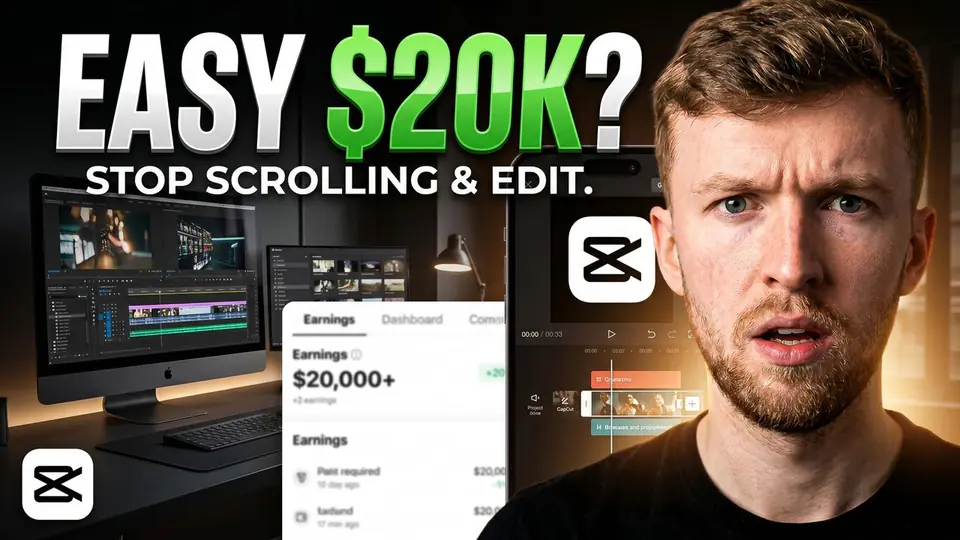
Getting a thumbnail file accepted by YouTube is easy. Getting it read quickly on a phone screen is the part that deserves your time. This checklist covers both without pretending that a particular resolution can make a weak concept perform.
The current YouTube thumbnail specifications
YouTube recommends custom thumbnails at 3840 x 2160 pixels with a minimum width of 640 pixels. The recommended shape is 16:9, and supported upload formats include JPG, GIF, and PNG. Its Help page now lists upload limits that vary by device and content type, so check the official page if a large file is rejected.
Source checked on 27 May 2026: YouTube Help: Add video thumbnails on YouTube.
A reliable export setup
- Start with a 16:9 canvas at 3840 x 2160, or at least keep the same aspect ratio if your editor is working smaller.
- Export as JPG for photographic thumbnails or PNG when crisp graphics and text edges need it.
- View the exported file at feed size before uploading. A technically perfect file can still be unreadable in context.
- Keep the working file so you can create a meaningful alternative for a later YouTube test.
Size does not fix hierarchy
More pixels preserve detail, but they do not choose what the viewer notices first. If the subject, background, reaction and headline all compete equally, the image may still feel confusing after a clean high-resolution export.
 Before
 After
AfterTry shrinking the thumbnail until it is roughly the size it will appear in search or recommendations. You should still understand the subject and the central question. If the concept only makes sense after zooming, simplify it before adjusting sharpness or color grading.
Checklist before upload
- The thumbnail truthfully matches what the video delivers.
- One subject or visual question is obvious first.
- Any text is short and readable without zooming.
- The image still works beside competing thumbnails at small size.
- The exported file follows YouTube's current format and size rules.
Make alternatives before you need them
A useful thumbnail workflow does not stop after the first export. Create two or three directions built around the same honest promise, then compare them at feed size. In SRGE, you can draft those alternatives and use the thumbnail analyzer to spot legibility or hierarchy problems before upload.
Preparing a new upload? Try SRGE to make a few clear thumbnail directions before choosing what to publish.
Keep reading